

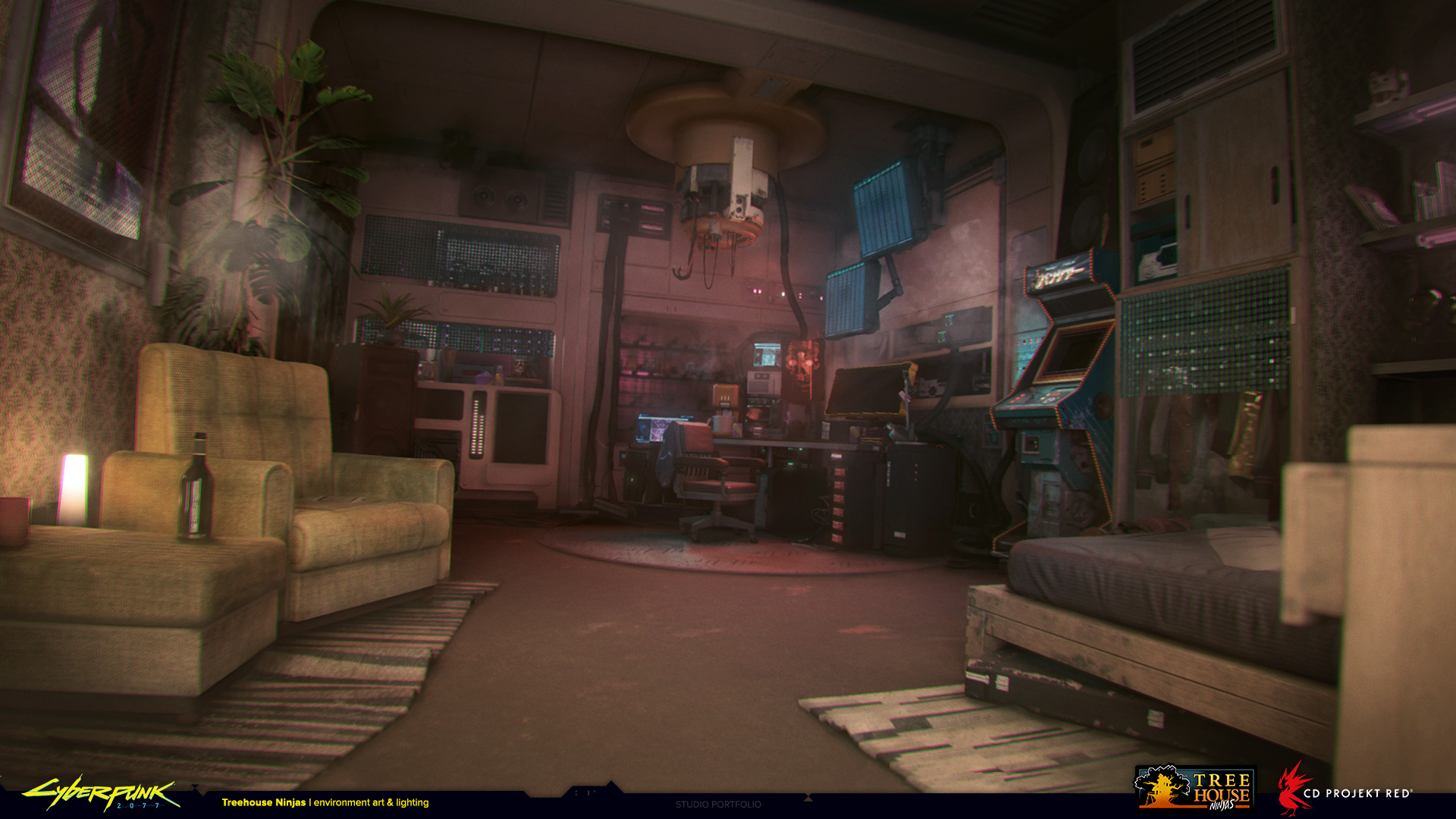
Housing
So, you got the street cred and the eddies to move into Arcadia, or maybe you decided to stop being a hobo by the megabuilding entrance. Well, you're in luck! Arcadia has a wealth of renting opportunities for whatever needs you want. Warehouses, shop fronts, homes, houses, apartments and even stands. But what is the difference? Well, simple:
You found something you want to rent? Great! This is how you do it:
You got your own place? Now you just need to decorate it. This might seem haunting at first, but it's simple. Let's break it down:
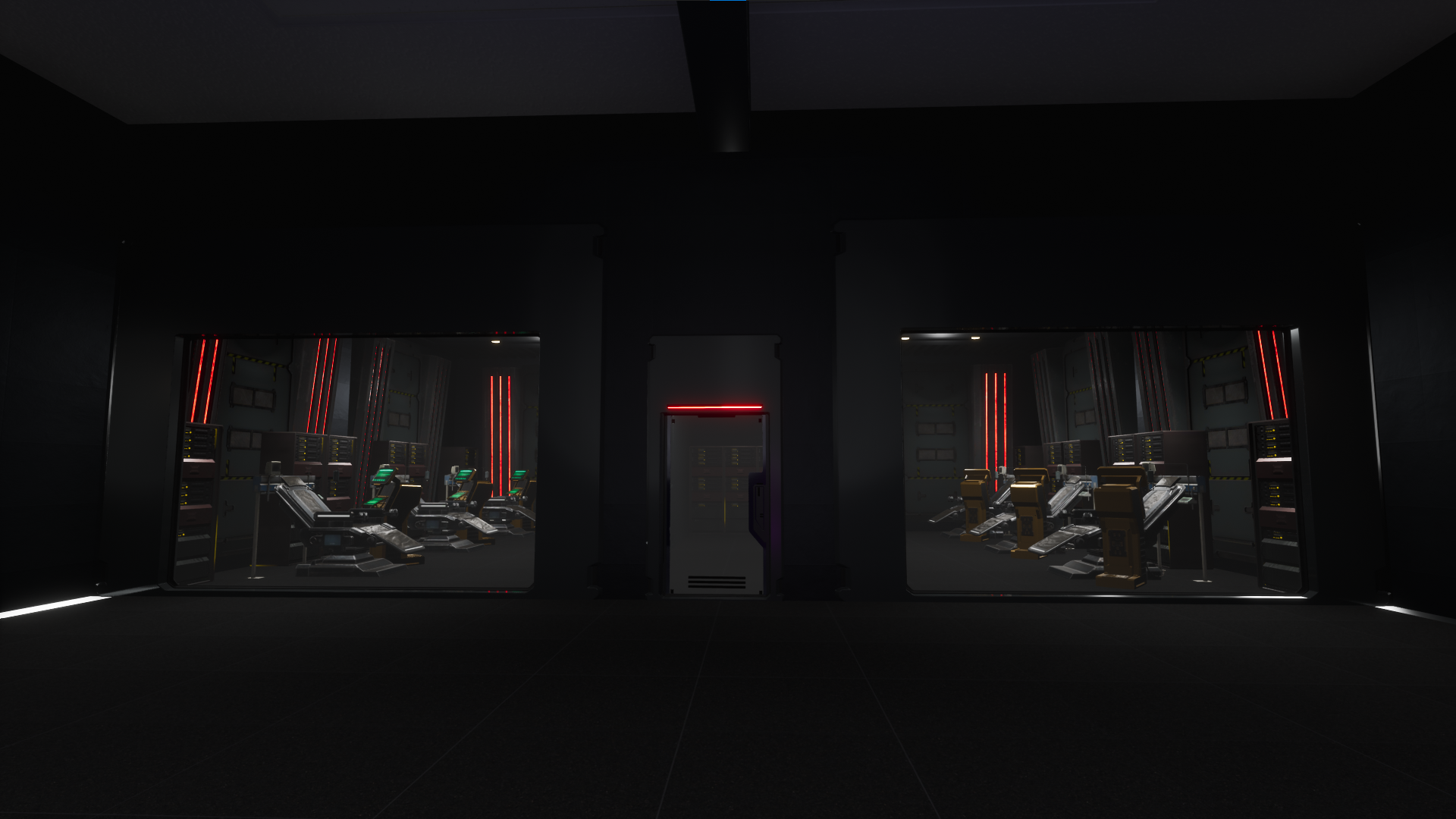
- Warehouses: Giant places with countless rooms. Perfect for gangs and groups to live out. Requires a minimum of 3 backers that must be in the same clan;
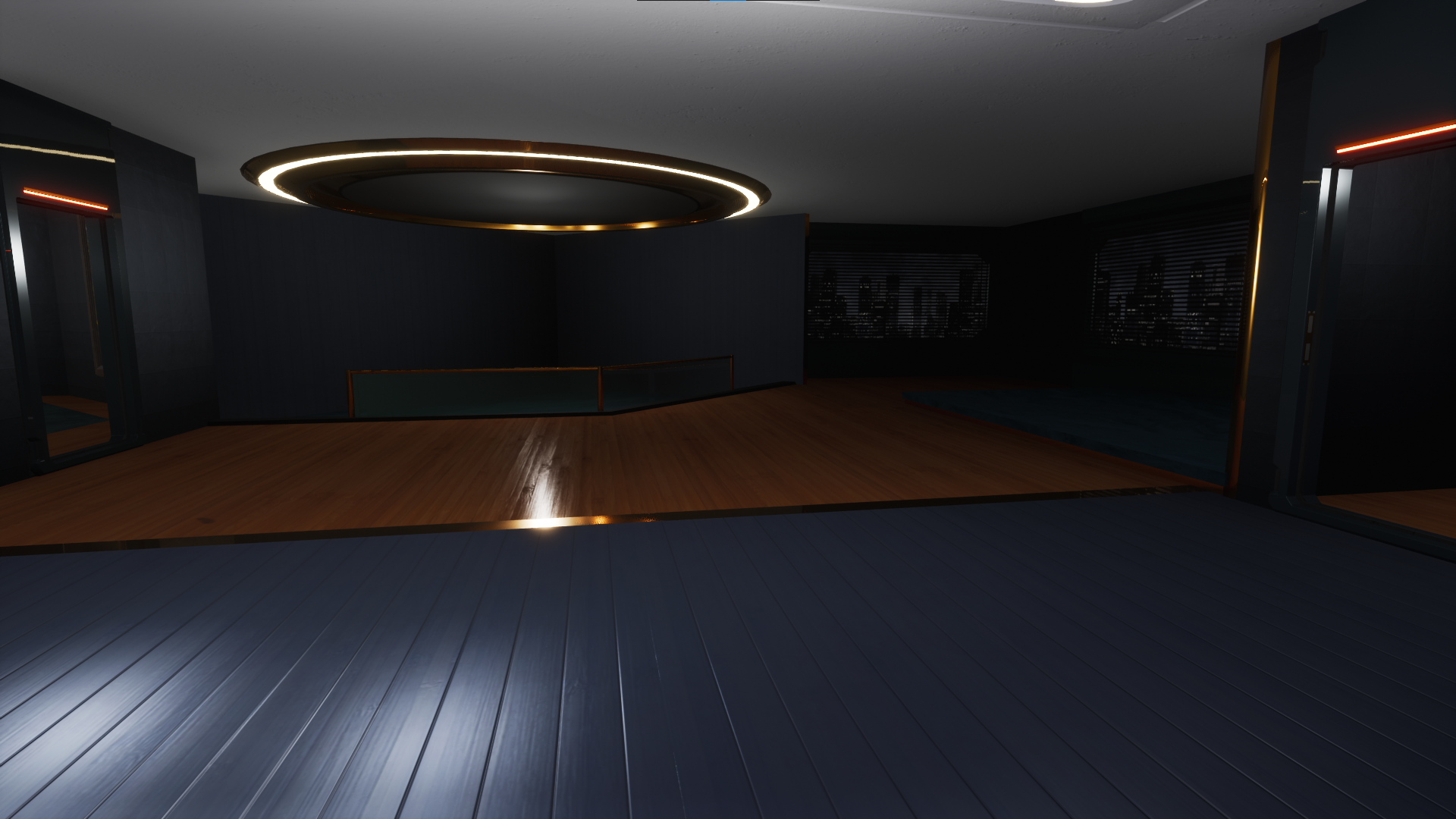
- House/Apartment: Home. Nothing fancy, roof over your head, couple of rooms. Only needs you to back it up but ownership of the rentable is not transferable to another person from your clan;
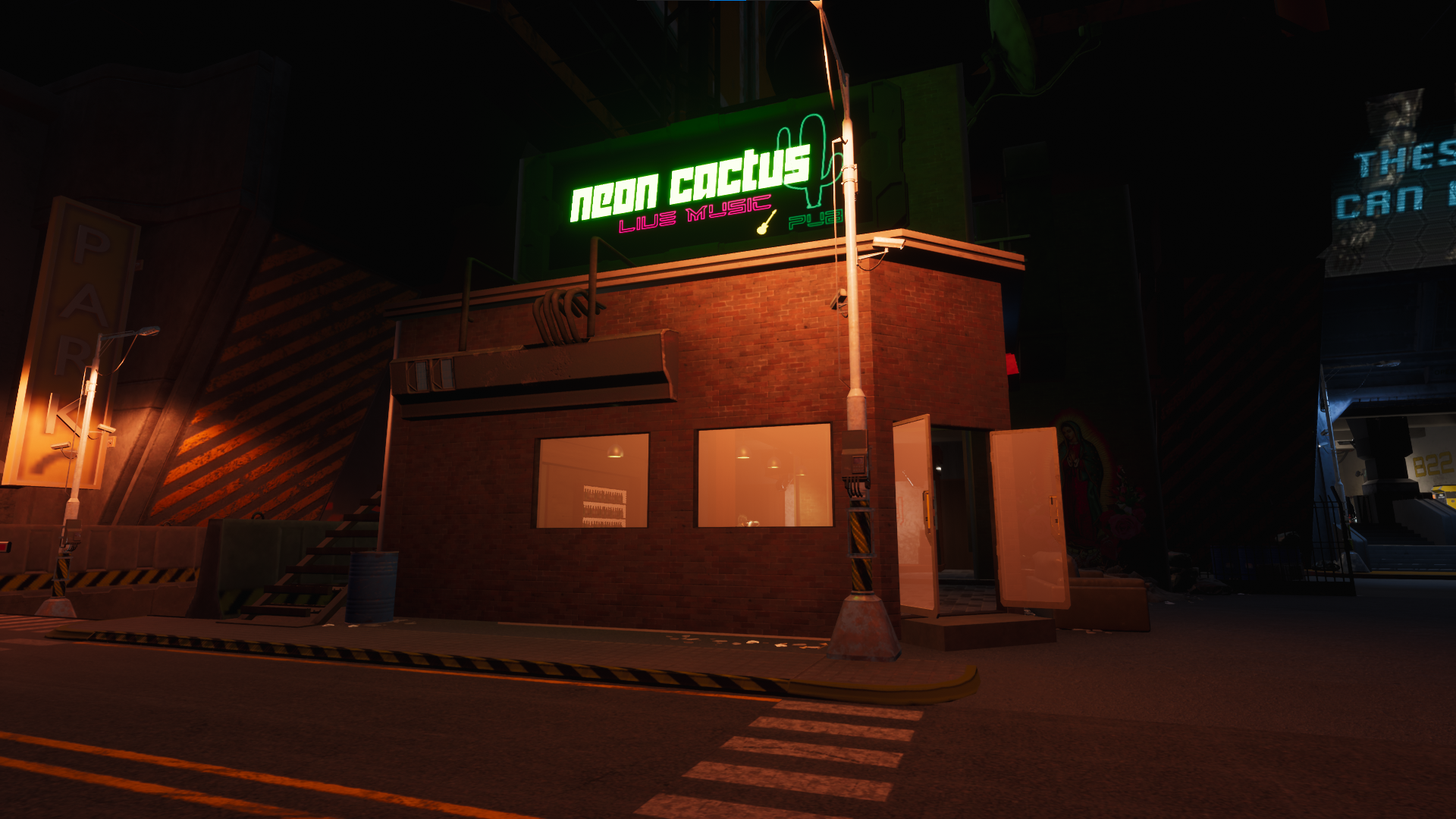
- Business: Frontend shops with a lot of attraction and in busy places. Perfect for eddie making. Typically requires 1 to 3 backers, depending on the size. All shops require you to continue what they are known for, you aren't buying the business, you're just renting the franchise(doesn't mean you can't have other deals around the back). That also includes having the space available in the frontend for potential customers to access, you can't bar them off;
The rent of every place is due every 2 weeks! The eddies are paid in full, but if a place requires more than one backer, each backer has to have the required amount of street cred. Each backer also has to be apart of the same clan. Likewise, once you commit your street cred into a property, you can't spend your street cred again for another different property.
I want to rent a place!
You found something you want to rent? Great! This is how you do it:
- Go to the location, and make sure it's not being rented by someone first. If you see a door, or things inside, someone beat you to it!
- Go into Neon Eden discord, under the ticket section and open a rental ticket;
- Inside the created ticket, state the name of your character, the place you want to rent and a screenshot of your clan tab in Conan;
- Make sure you have both the eddies and the street cred. You can learn how to check your street cred here;
- From this point on, a member of staff will instruct you further;
- Always remember, every 2 weeks you have to pay the rent! Have both eddies and street cred on the ready;
- Place a door in the entrance and lock it once everything is confirmed. This part is explained in the next section!
I have a place, how do i decorate it?
You got your own place? Now you just need to decorate it. This might seem haunting at first, but it's simple. Let's break it down:
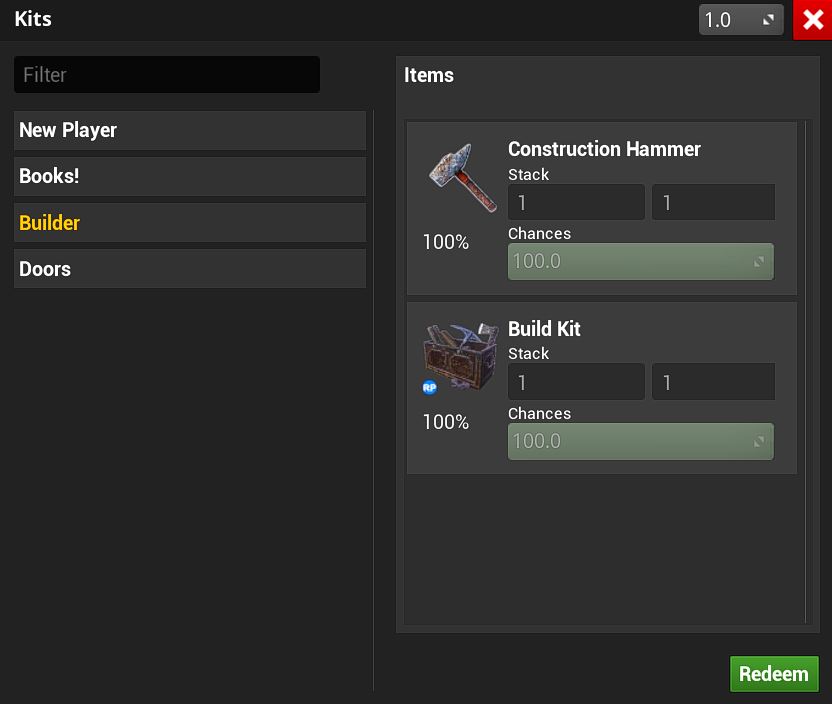
- Enter this command into your chat /kit;
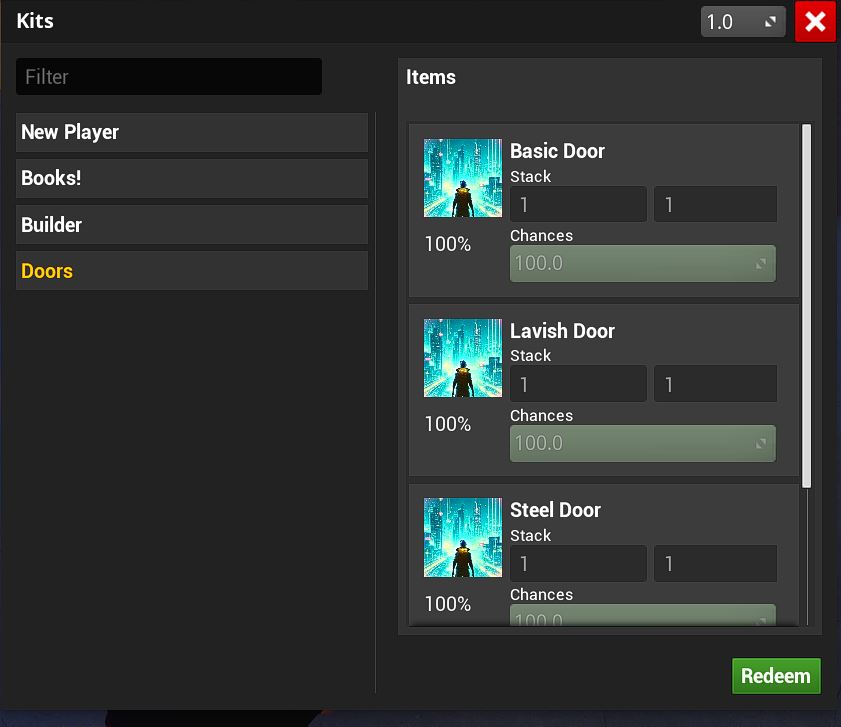
- Redeem the tabs of New Player, Builder, Books! and Doors;
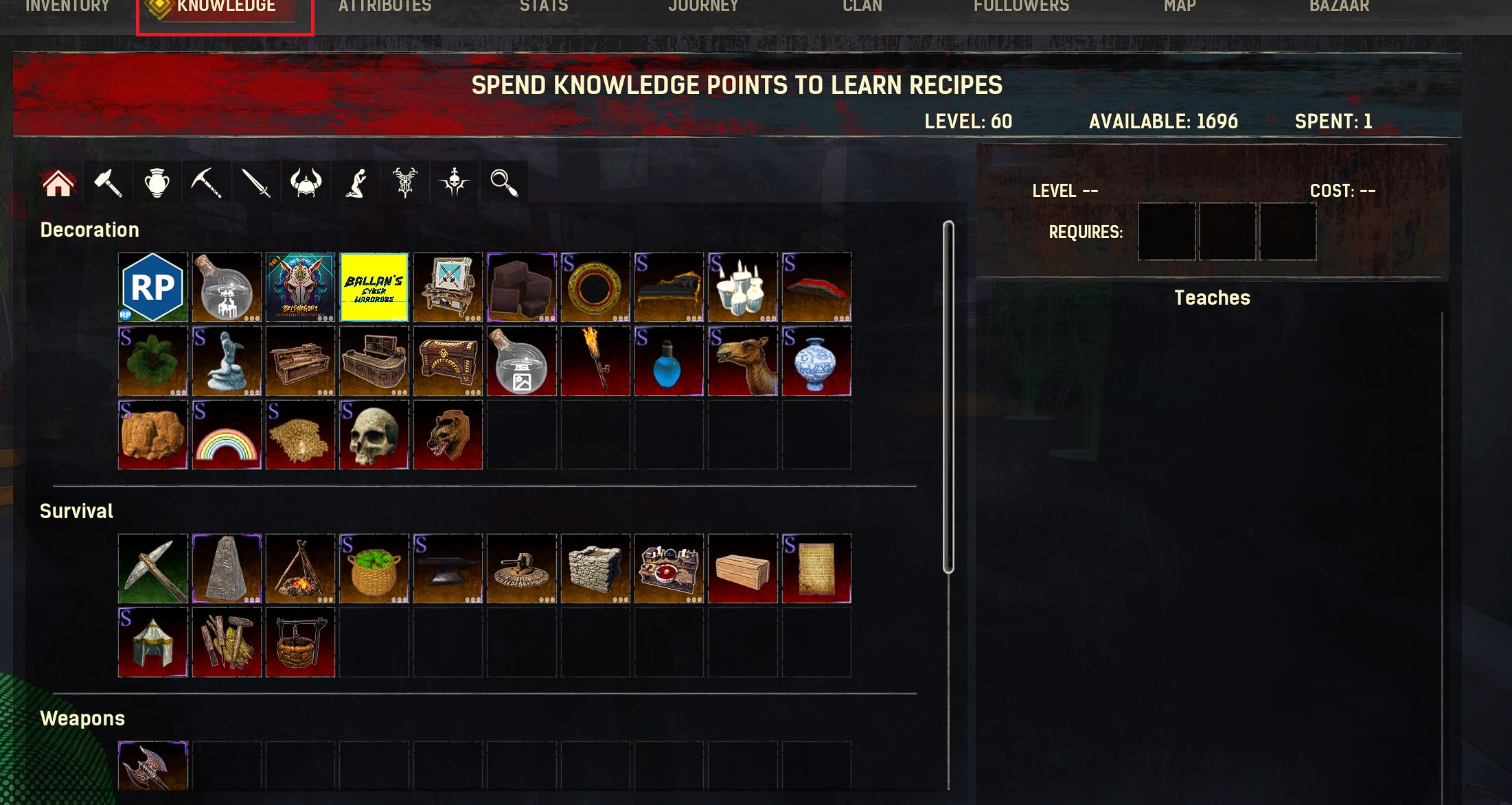
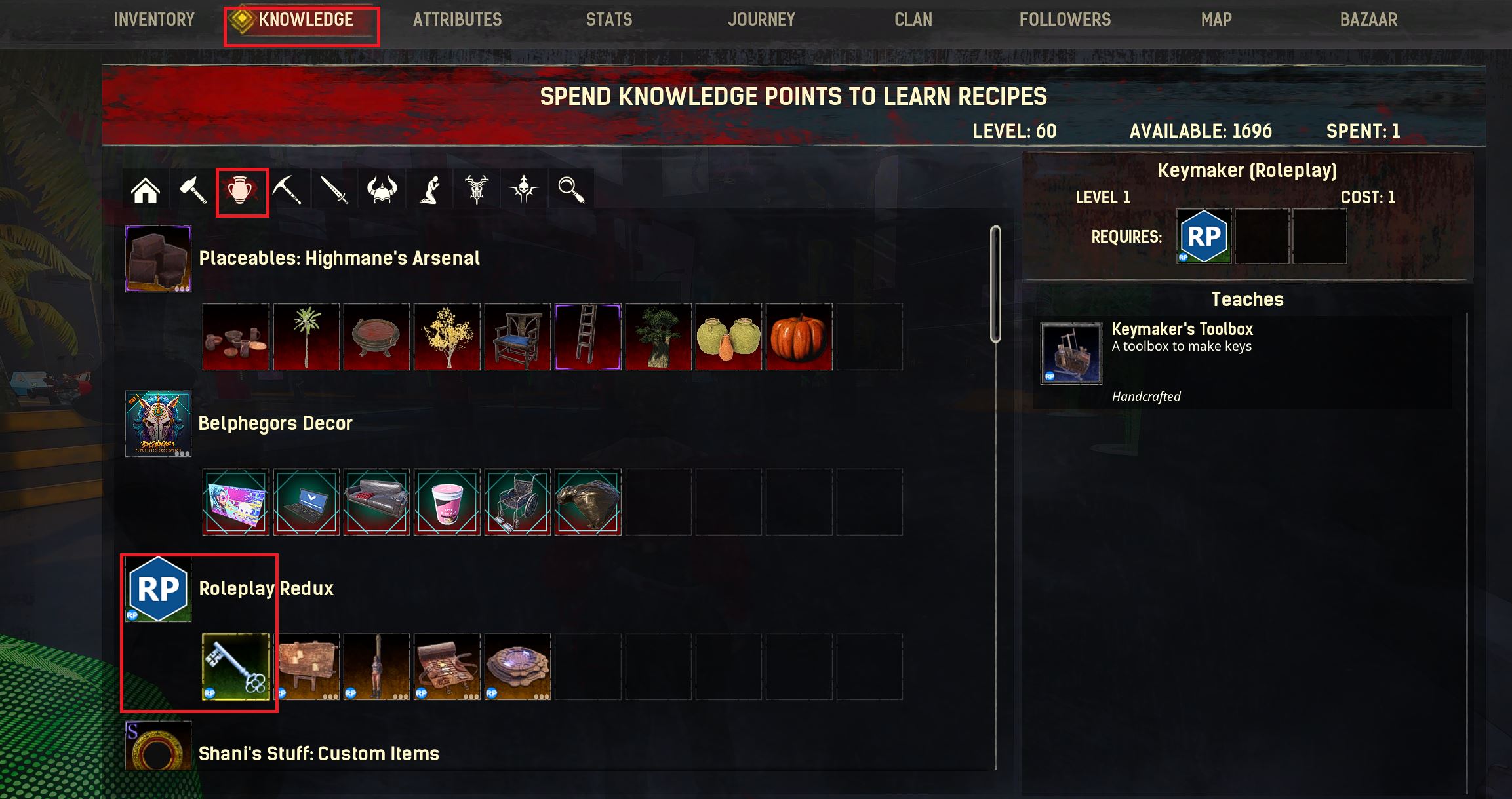
- Now you can place your build kit on your rented space, interact with it and build. Should you be missing decos, remember to learn them in the Knowledge tab of the Conan menu;
- Using one of the doors you received from the kit, place it down at the entrance;
- To lock it, you must have learned the keymaker knowledge as shown bellow. Place the keymaker down, and create a key;
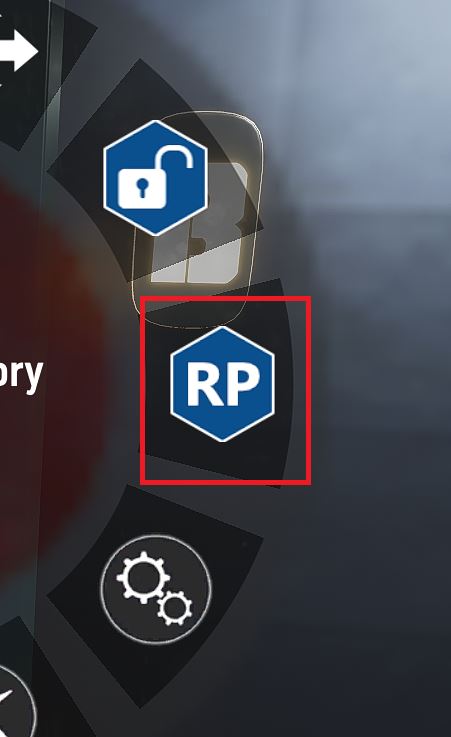
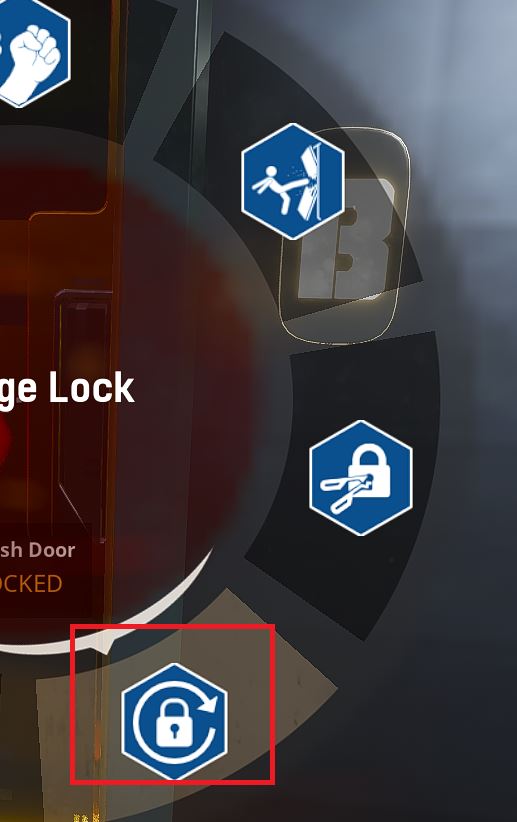
- Now hold your interact button against the door, until a wheel of options appears. Select Roleplay, then change lock. Drag your newly made key inside the box.
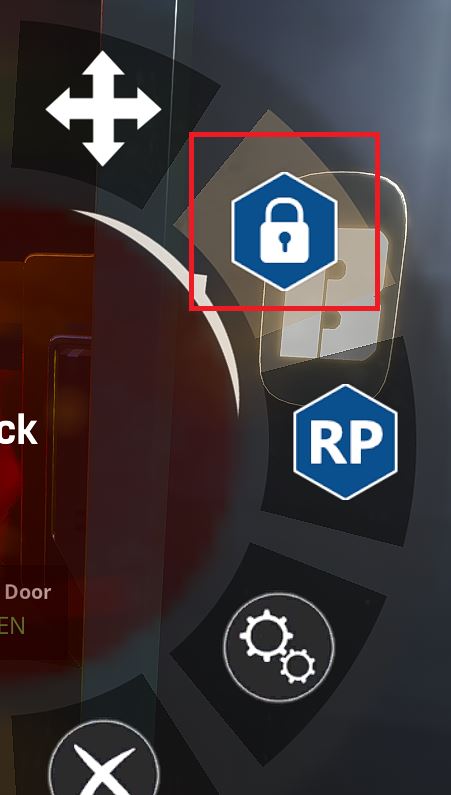
- Now you just have to lock it! Use the interact button against the door again, and select the lock option, and you're done Choomb!
Remember to check our decoration limits and ToT rules over at General Rules of Conduct