Available to all Guild subscription tiers. Upgrade here.
Secrets are private by default, but you can add specific people as subscribers to give them access to a secret. Here's how:
- Set up a subscriber group and add users to it as described in the guide to subscribers.
- Edit the secret you want to give access to.
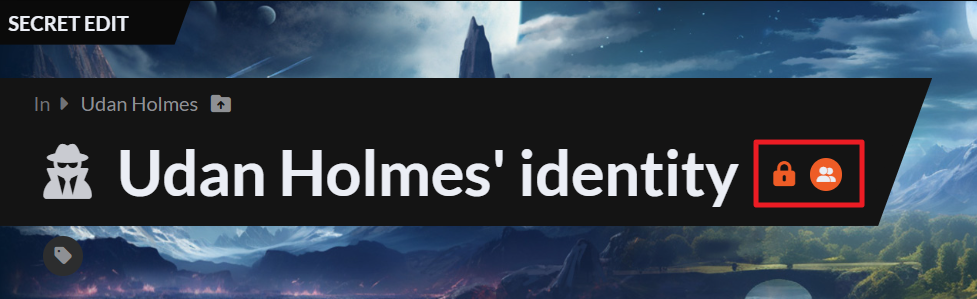
- Click on the padlock icon next to the title to reveal visibility settings.
- Click on the Subscribers button to select a subscriber group:
Users added to the subscriber group will be able to view the secret's contents even if you keep it private. Check the Guide to Secrets for more help about secrets, and the Guide to Subscribers for more help about subscribers.



