Available to all Guild subscription tiers. Upgrade here.
Secrets are private by default, but you can make them public at any time! This is useful, for example, if your RPG campaign players have recently learned some secret information. Here's how to do so:
- Edit the secret.
- In the secret's header, next to the secret title, click the padlock icon to toggle its visibility state.
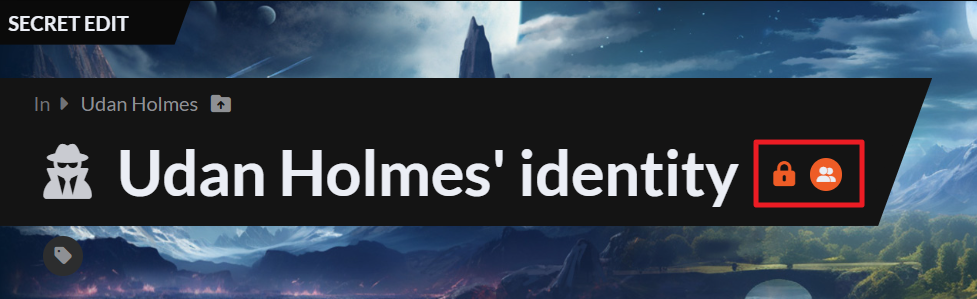
- The secret will become public immediately. If you want to make it private again, click it again.
You can also reveal a secret to specific people only! Check how to reveal a secret to subscribers for details.
Note that, even if a secret is public, the content in the Storyteller Notes field will remain private. Check the Guide to secrets for more information and help with secrets.



