Community Suggestion: Autolinker multiple matches unclear of match
Autolinker multiple matches unclear of match
Feature Upgrade · Editor: euclid · Created by Silenc3e3e
accepted
What functionality is missing? What is unsatisfying with the current situation?
I use autolinker: I select "Selective Replace" (basically every time).

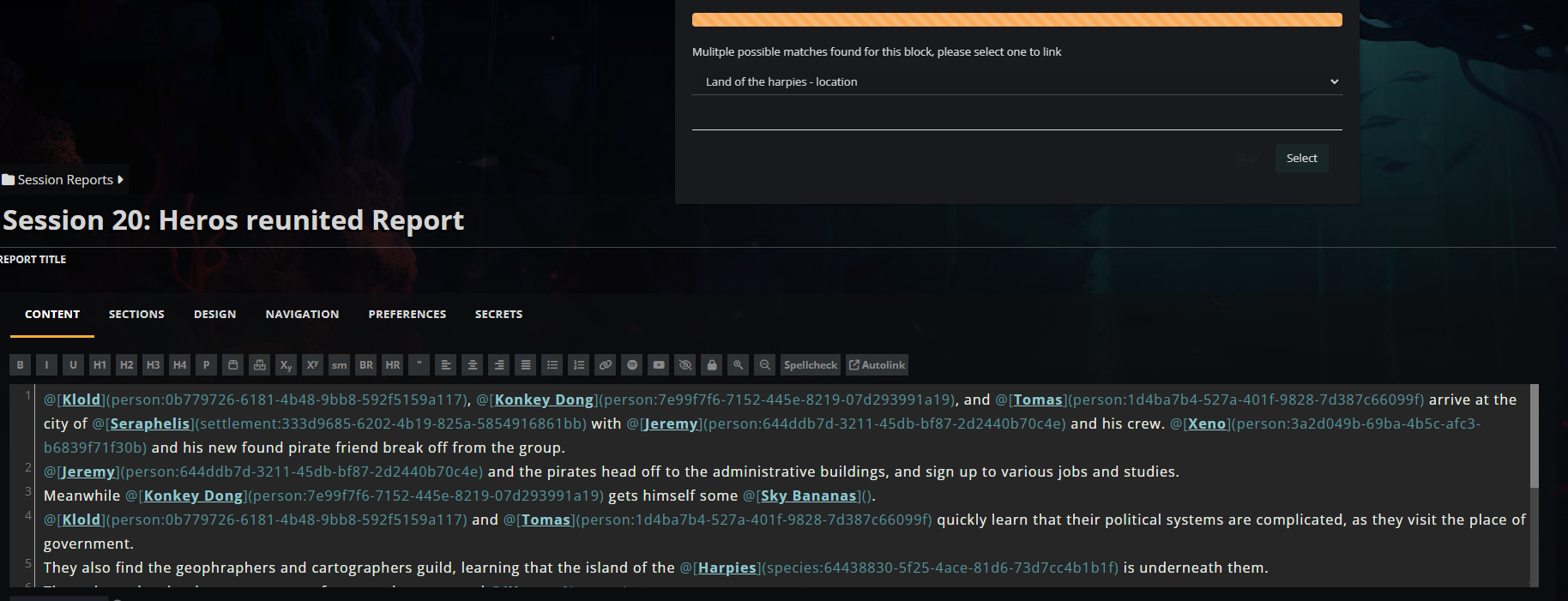
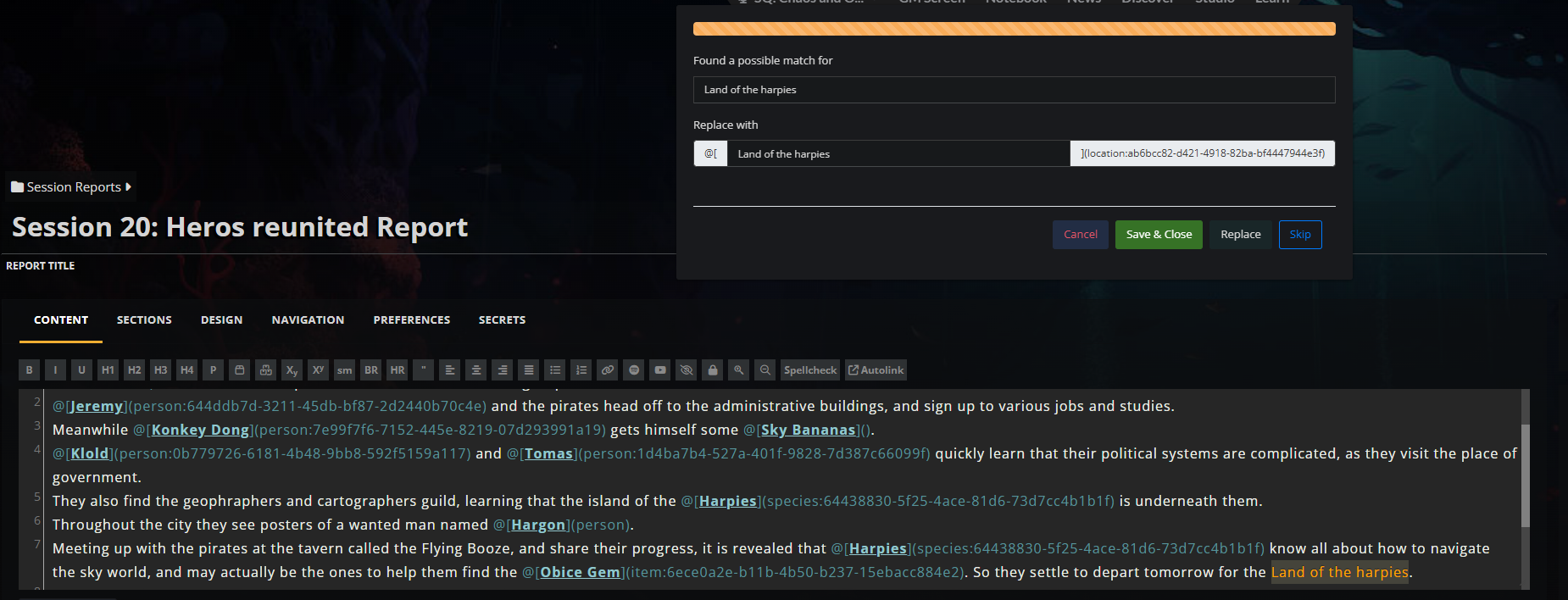
How does this feature request address the current situation?
Can the autolinker dialogue box, instead of first asking me which article, show me the text to be replaced. AND autoscroll down, so the text can be seen in the context of the sentence it is in. THEN select the article that is meant to be linked in. (Sorry if the images are in the wrong order, got no preview :P )The Team's Response
Thanks for the suggestion! We see the issue and agree that it's something to be fixed, so we're accepting this. However, community support seems to be low so it will be very low priority.
Current score
10/300 Votes · +3100 points
Votes Cast
-
+300
by oaster2000
on 2025-02-13 14:15 -
+300
by Mahdi Avendesora
on 2025-02-05 16:12 -
+300
by Jupiter Melichios
on 2025-01-31 22:08 -
+300
by ErSasoRi
on 2025-01-31 22:06 -
+300
by SierraKomodo
on 2025-01-30 04:40 -
+100
by A Fierce Dryad
on 2025-01-29 10:32 -
+300
by bphilippe
on 2025-01-29 07:08 -
+300
by tolleydm
on 2025-01-29 06:23 -
+300
by Those2Nerds
on 2025-01-28 15:08 -
+300
by Ratha
on 2025-01-28 10:34 -
+300
by Silenc3e3e
on 2025-01-28 10:00
Find your way!
Resources
WHO WE ARE
LEGAL
Listen to our Podcast




by 3 Armored Kittens · Prodromos v.1.1 - World Anvil 0.9.15.050 © 2017-2025 [en] | Anvil Time: 02:47, Jul 17 2026