FontAwesome Icons "Hidden" in Breadcrumbs of Selected Article
FontAwesome Icons "Hidden" in Breadcrumbs of Selected Article
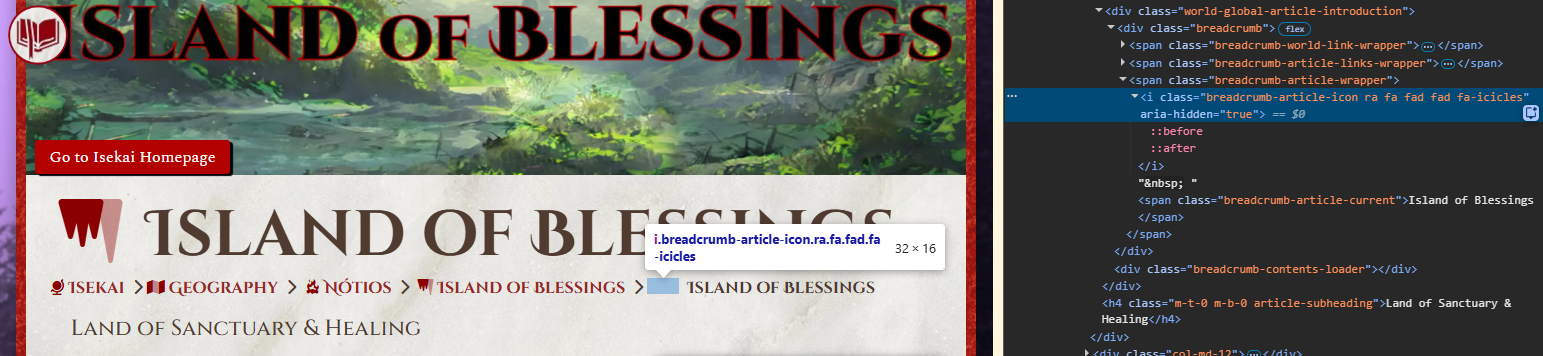
Articles using FontAwesome icons do not show their icons in the breadcrumbs when they are the selected article. When inspecting where the icon should be, the code says the icon is hidden.
Steps to Reproduce
- Add FontAwesome icon to article
- View Presentation view
- FontAwesome icon does not show, even though there is a space for it
Operating System
WindowsBrowser
Google ChromeRelated Entity
Presenation side of numerous articles: Island of BlessingsNótios Here are a few examples but I know there are more. This only affects articles using FontAwesome icons.
History
Same. Despite being the same icon as for other elements in the breadcrump, the last one, for the article, is now showing.
This is now happening to article & category icons in the codex, as well. They're being given both 'ra' and 'fa' classes. If I remove 'ra' through the element inspector, my FontAwesome icons appear again. I don't have any RPG-Awesome icons to test with those.
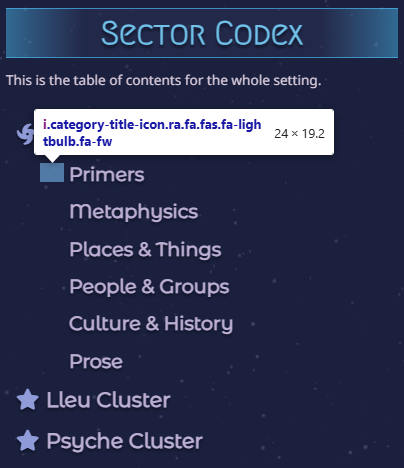
Just confirming that I am suffering the same problem. I don't use rpg awesome icons, and have painstakingly gone through and selected font awesome icons for almost all my pages - all prefixed with "fas" to get them to work in the first place.
For me it's still/again working in Codex and inside articles, but breadcrumb is 100% void of icons now: https://i.gyazo.com/993cc9b1582d1bfd6bb295d9ec6b1753.png And yah, it's a mixup now: breadcrumb-category-icon ra fa fa-regular fa-honey-pot, the ra doesn't belong in there.
Hello all, we have just released a fix that should resolve all missing icon! Please take a look and let me know if you can still find a location in the World view page where icons are still not displaying correctly.
FA icons are showing correctly in my Codex on the homepage and category pages, as well as in breadcrumbs. It looks fixed from my end, thank you!
Icons show on the homepage Codex and in Categories as well. I don't use breadcrumbs so can't say about them. Thank you!
This is fixed.....but what's happened. I can't even read the text now it is so light grey, almost white!! I have logged another ticket, This can be marked done.
Find your way!
Resources
WHO WE ARE
LEGAL
Listen to our Podcast



