Available to all Guild subscription tiers. Upgrade here.
There's a number of statistics and data at your disposal to keep track of your world's evolution and progress. Here's how to access it:
- On the left sidebar, click on the gear icon to expand settings options.
- Click on Statistics.
This is what the Statistics page looks like:
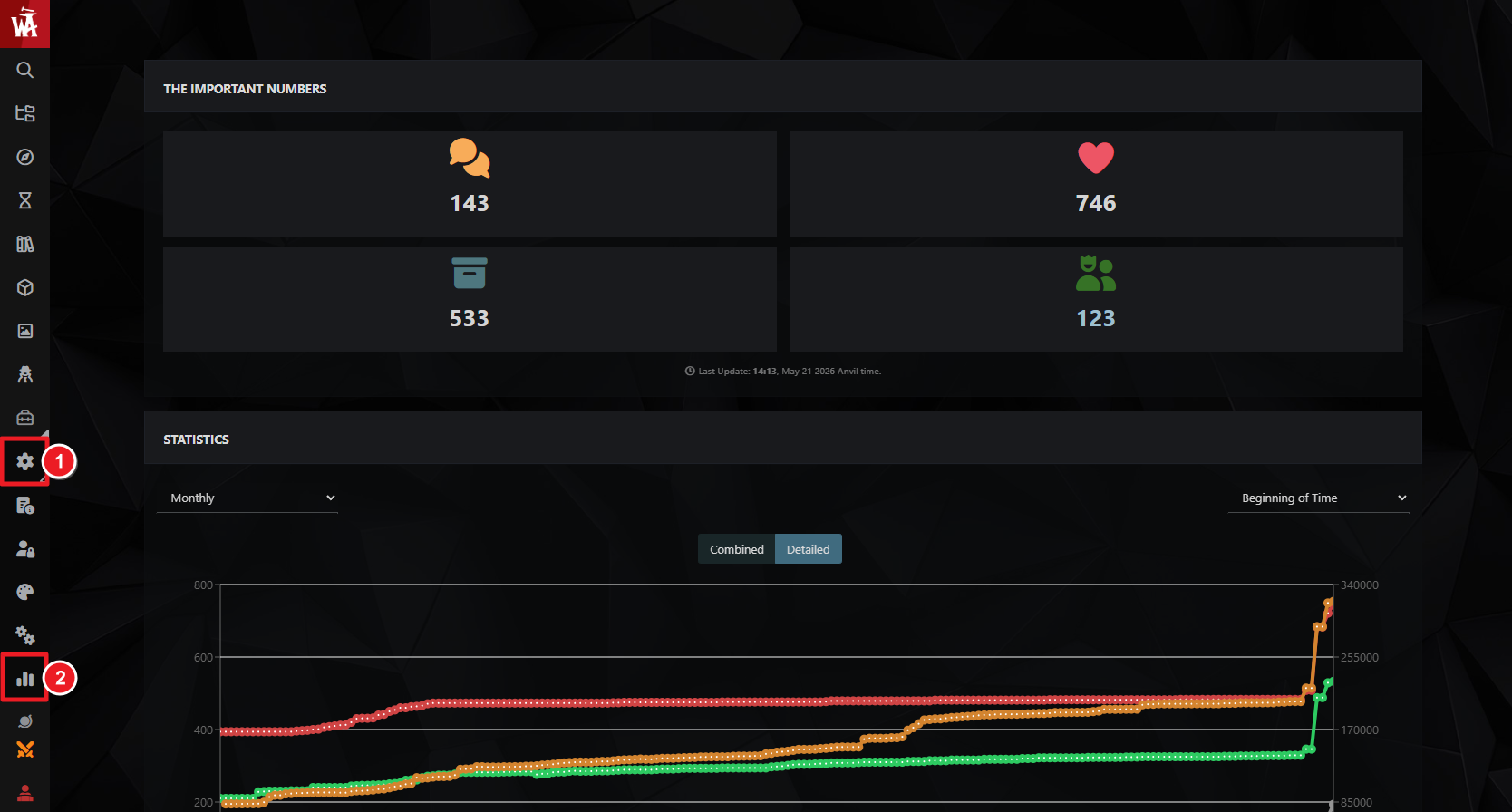
The top area of the page has basic data about the current state of the world (total comments, total likes, article count, and number of followers).
The bottom area contains a historical graph with the evolution of your world's stats throughout time, including number of views and total word count. Note that this graph only records data when you access the Statistics page, so if you don't visit it for a while, you might notice an inaccurate jump when you next visit it.
For information and help with world management tools, check the guide to world configuration.



