In a timeline, each era can have its own background, so, as you scroll down through the eras, the background image will change. If you set this image to a map, you can show how history shaped your world over the eras!
- In one of your timelines, edit or create an era.
- In the title area of the era, click the background image to select an image as the era background.
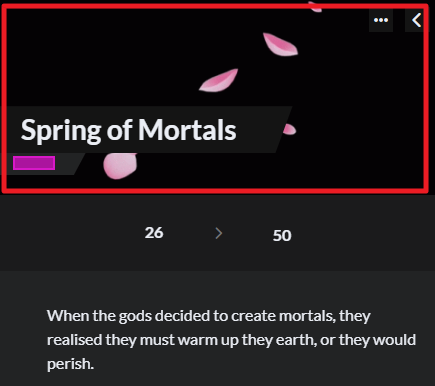
- Repeat the process in the following eras, choosing a different image in each era.
Now, when you scroll down, the background will change with the eras. If you set your timeline background to a political map, you can easily show how the borders and nations changed throughout time! Or you can also use this to set the mood for each era.
Note that this only works in Timescale mode, not in Linear mode! Check how to switch timeline modes. Check the guide to timelines for more information.



