Timelines have two different modes that organize the events in different ways: in Timescale Mode, the distance between events is proportional to historical time; in Linear Mode, all events are displayed in succession regardless of how much time passed between them. Check our tips to choose a timeline type for more details.
Here's how to switch between Timescale and Linear modes:
- Edit the timeline you want to switch.
- Click on the gear button in the bottom toolbar to open the settings window.
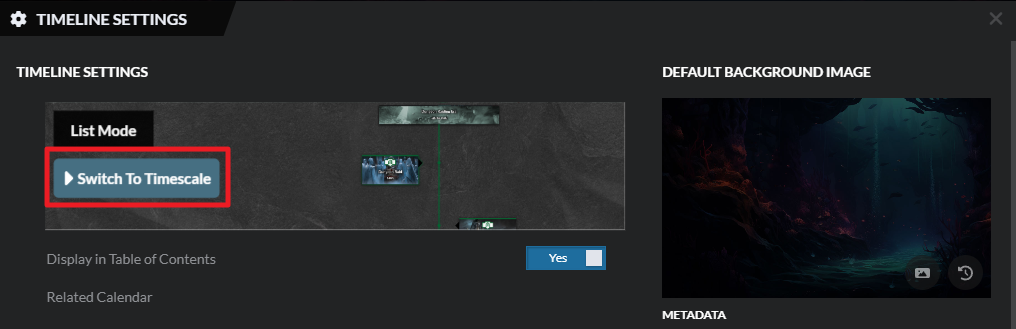
- Use the switch button at the top:
For more information and help with this, check the guide to timelines!



