Available to all Guild subscription tiers. Upgrade here.
Storyteller Notes are snippets of secret information (only visible to the world owner by default) you can add to articles, secrets, and other parts of your world. Here's how to add them:
In an article
- Open an article for editing.
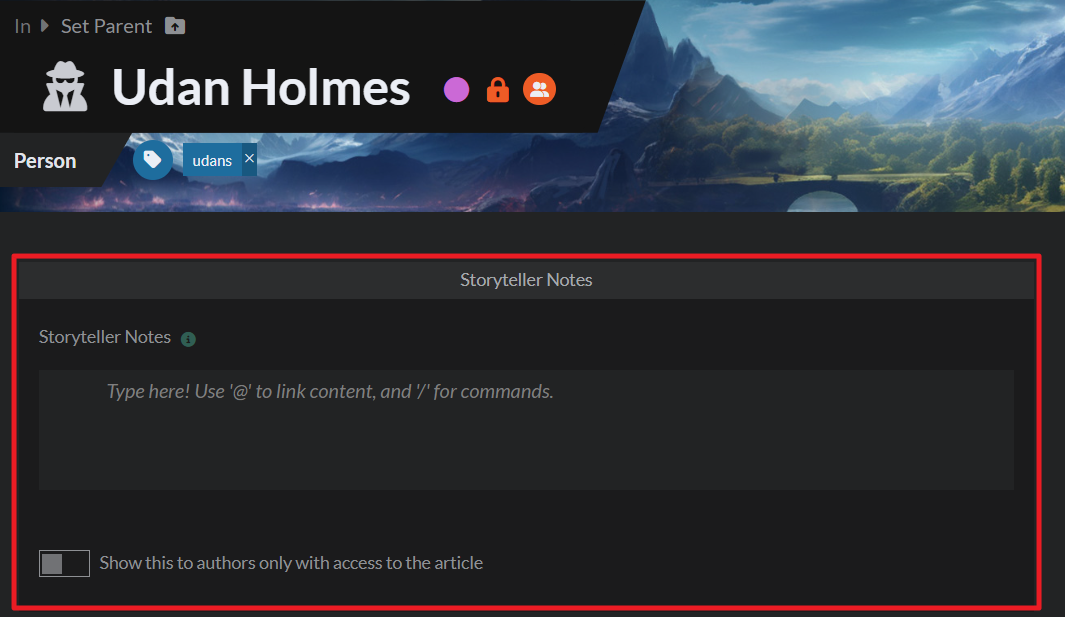
- Click on "Storyteller notes" at the top:
In other entities
- Open the entity for editing (i.e. the secret, event, etc).
- Click on "Advanced Options.
- This will reveal a panel with the Storyteller Notes:
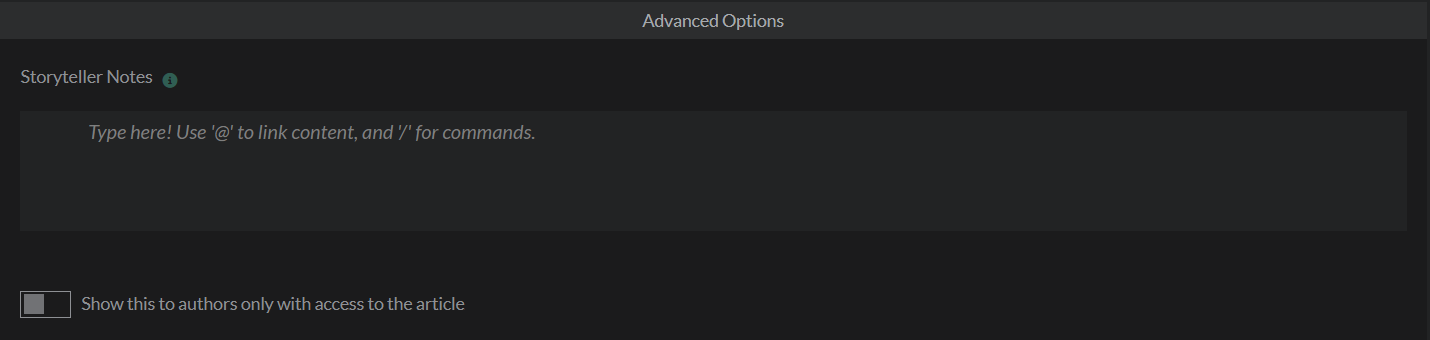
If you toggle on "Show this to authors only with access to the article", your co-authors will only be able to see it if they're also subscribers of the world.
Storyteller Notes are a great way to keep notes related to your ongoing campaign in context. Check the workflow for keeping secrets for more tools you can use to keep content private.
If you don't see Storyteller Notes in your world, you probably don't have them enabled in your account. Learn how to enable features for details.



