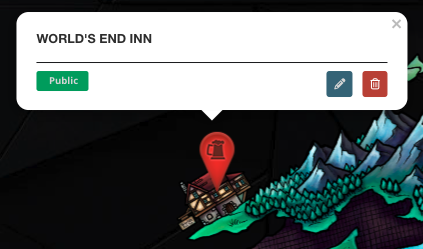
Pins are the most used type of interactive map marker, and you can use them to pinpoint a location in your map. Here's how to add them in your map:
- Click the pin icon in the toolbar.
- Click anywhere on the map to set the pin's location (you can change it later, don't worry if you misclick!)
- A new panel will appear to choose a pin style. Type a pin name to find it (try with a color name!), or see the list of interactive map markers for ideas. Click Next when you've chosen one.
- In the next panel screen, give the pin a name.
- Click the green "Finish & Create" button.
To edit the pin, click on it and then click the edit button. For more information and help with interactive maps, check the Guide to Maps.



