Available to the Master subscription tier and above. Upgrade here.
Here's how you can check which articles contain links that point to a specific article:
- Edit an article using the old version edit.
- On the right, click the "Advanced Options" button.
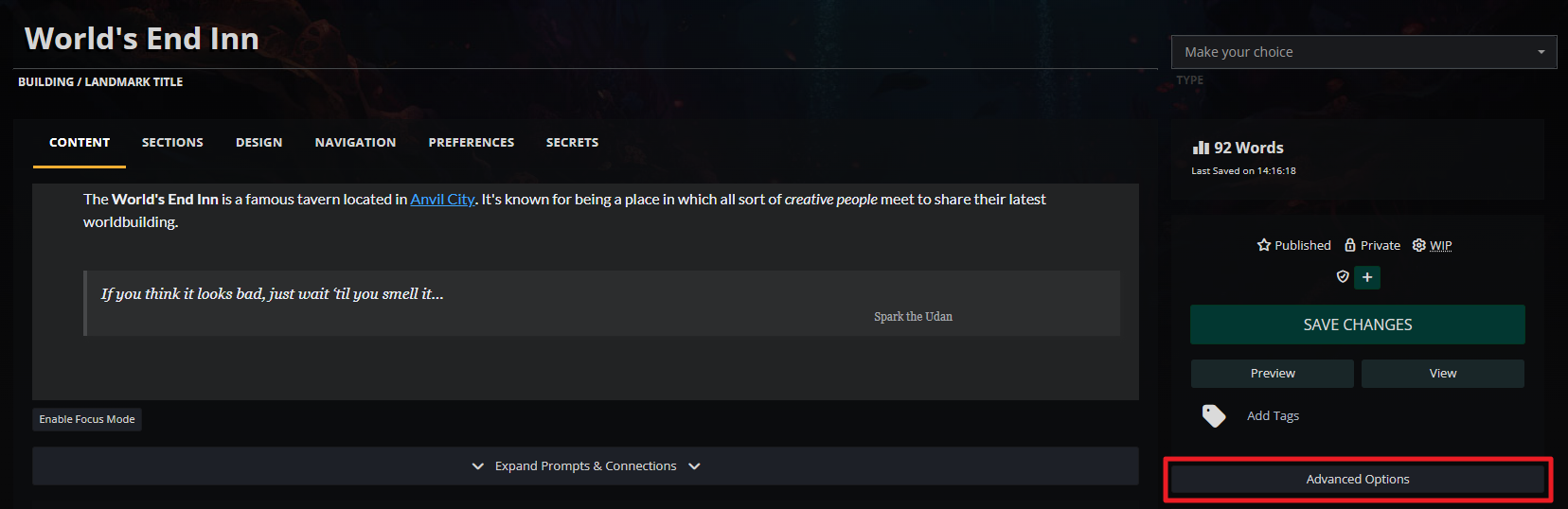
- Scroll to the "Referenced in..." panel and click the "Load References List" button in it.
- After it loads, you will see a list of all articles the contain links to the article you're currently editing.
Note that this list only displays articles, not other entities (such as maps markers or timeline events).
For more information and help with articles, check the Guide to articles.



