Parent articles let you use articles to organize other articles. Rather than organizing articles under a category, you can place them under another article. This could be useful, for example, for the buildings you can find in a city district, or for the planned subplots under a larger plot. Note that an article can't be placed under both a category and an article; you have to choose one or the other!
Here's how to set it up:
- Edit the "child" article (i.e. the one you want to put under another article).
- In the header, click on the pencil icon:
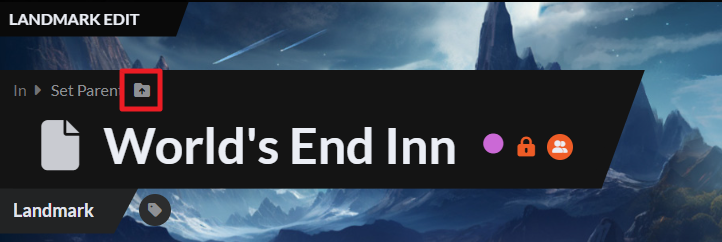
- Search for the article you want to set as parent, then click "Move".
Now, when you view the parent article, you'll see all of its children at the bottom, and the parent article will also be accessible from the bottom of all child articles.
For more information and help with articles, check the Guide to articles.



