On World Anvil, categories are organizational units that contain articles. They also make up your world’s Table of Contents on the homepage. If you'd like to categorize an article or change the category or article that it is under, follow these steps.
- Open an article for editing: press Ctrl+K or click on Search, then find the article.
- In the edit modal, click on "Set Parent" on above the article title:
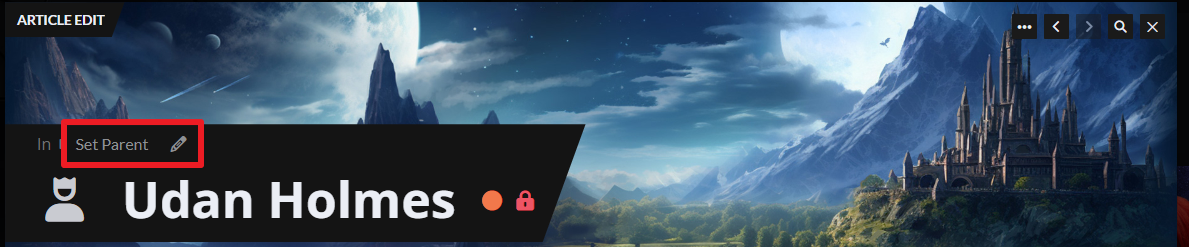
- Select a category from the list. The change will be saved automatically!
An article can't have both a category and a parent article. It's recommended to use categories as the primary organization system and use parent articles for some secondary content (for example, the article about a town could be the parent of an article about an inn).
For more information and help with articles, check the Guide to articles, or check the Guide to categories for more information about categories.



