Author's Page unable to save changes
Author's Page unable to save changes
Under the Edit Authors tab, no changes can be made. It can add however little or much you want, but it won't save anything. It will revert to the original data inside the page.
Steps to Reproduce
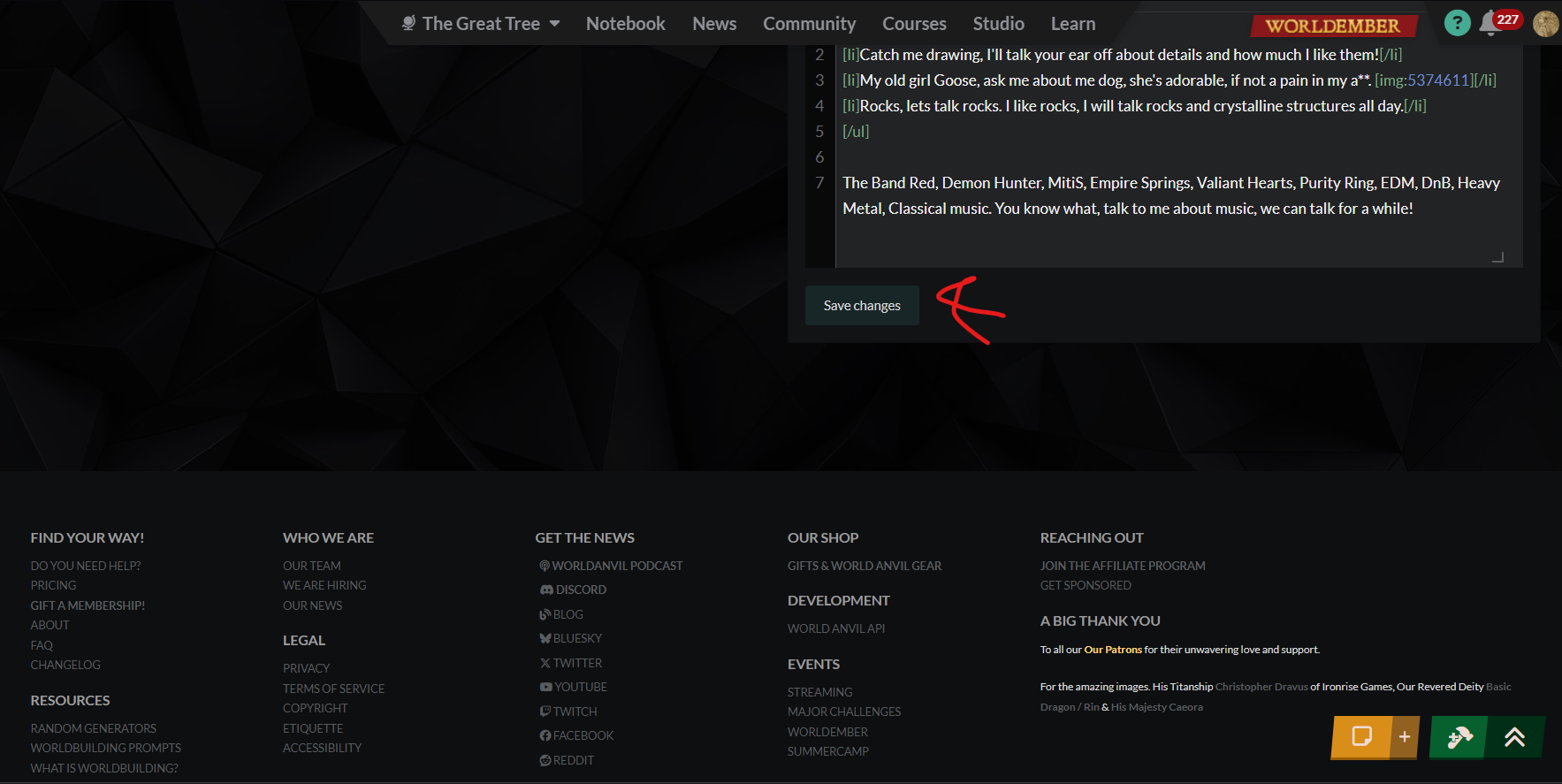
1) Open the drop down menu from the PFP Icon in the Top right corner. 2) select Edit Profile 3) make any changes to the information in that interface 4) scroll to the bottom and select save changes 5) wait for the save changes confirmation in the green bar along the top of the page to finish 6) navigate away from the screen to the View Profile tab 7) no changes were made, Profile information remains what it was before. No changes can be made without it apparently rolling back to the existing information in the interface before the chnages were made.
Operating System
WindowsBrowser
OperaRelated Entity
User InterfaceHistory
Hey Thereasonwhy, I have taken a look at your account and tested profile editing and I cannot reproduce and issue with making changes and saving in any of the fields I tested. Are you trying to edit BBCode in one of the fields? A parsing error could be what's causing your changed not be saved in that case. Please let me know what you are trying to change and if you're getting any kind of message or it just refreshes with the regular "Changes made successfully" without any of the changes you did saved.
No I haven't been using any BBcode in it. Its only text, any of the fields I try to remove content or add new information, say in the "Custom Profile Content" Or "Favorite writers" Sections. All it gives me is the "Changes made successfully" after I hit the save changes button. The only BBcode that exists is the stuff that has been there for well over a year, and I haven't touched that code while trying to edit anything. Say I go and move all the information in the "Other Interests" Field to "Custom Profile Content" It'll do it. But It won't save that change. Soullink in the Discord tried to help me out in the Help channel when I first reported it, and they got the same result when they copied my steps.
I tested this once again, specifically looking into your account too, but changes made to multiple fields of the edit profile page saved normally and display on the edit as well as the view page.
Just to be on the safe side, can you try this again now and tell me what you see? And I would like you to describe exactly what content you added to which field that failed to save so I can try to recreate them after you.


Find your way!
Resources
WHO WE ARE
LEGAL
Listen to our Podcast



