Map Group Weighting works on Pins, and Nothing Else (Routes, Layers, Etc)
Map Group Weighting works on Pins, and Nothing Else (Routes, Layers, Etc)
Having an Issue with Map Layers within Marker Groups Rendering in a random order rather than following the weight given when in "View in World" and the "Editor"
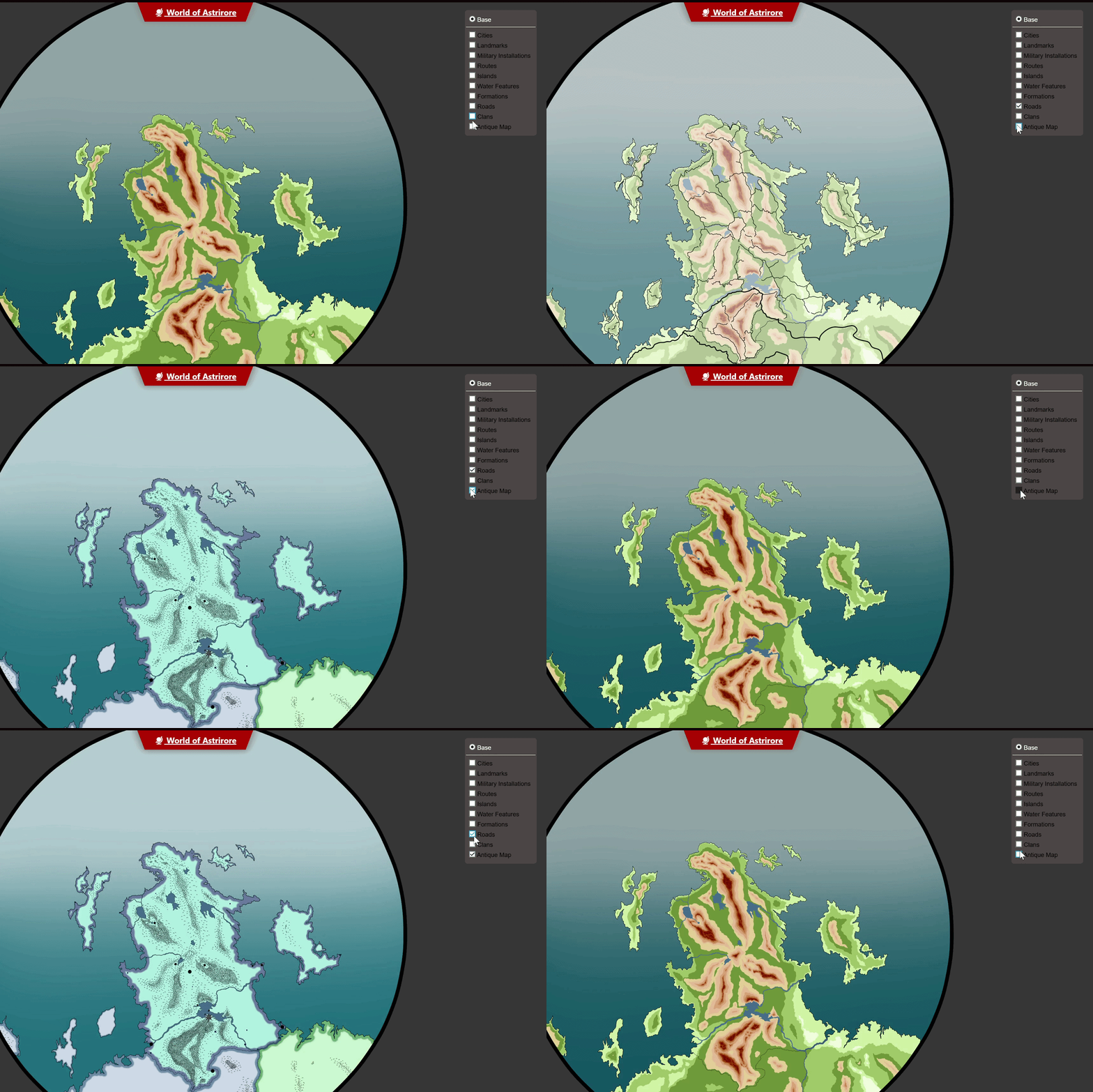
Additionally, A Marker Group containing a travel route that has been weighted to fall into the right hierarchy is displaying in an order dependant on the order it is toggled...
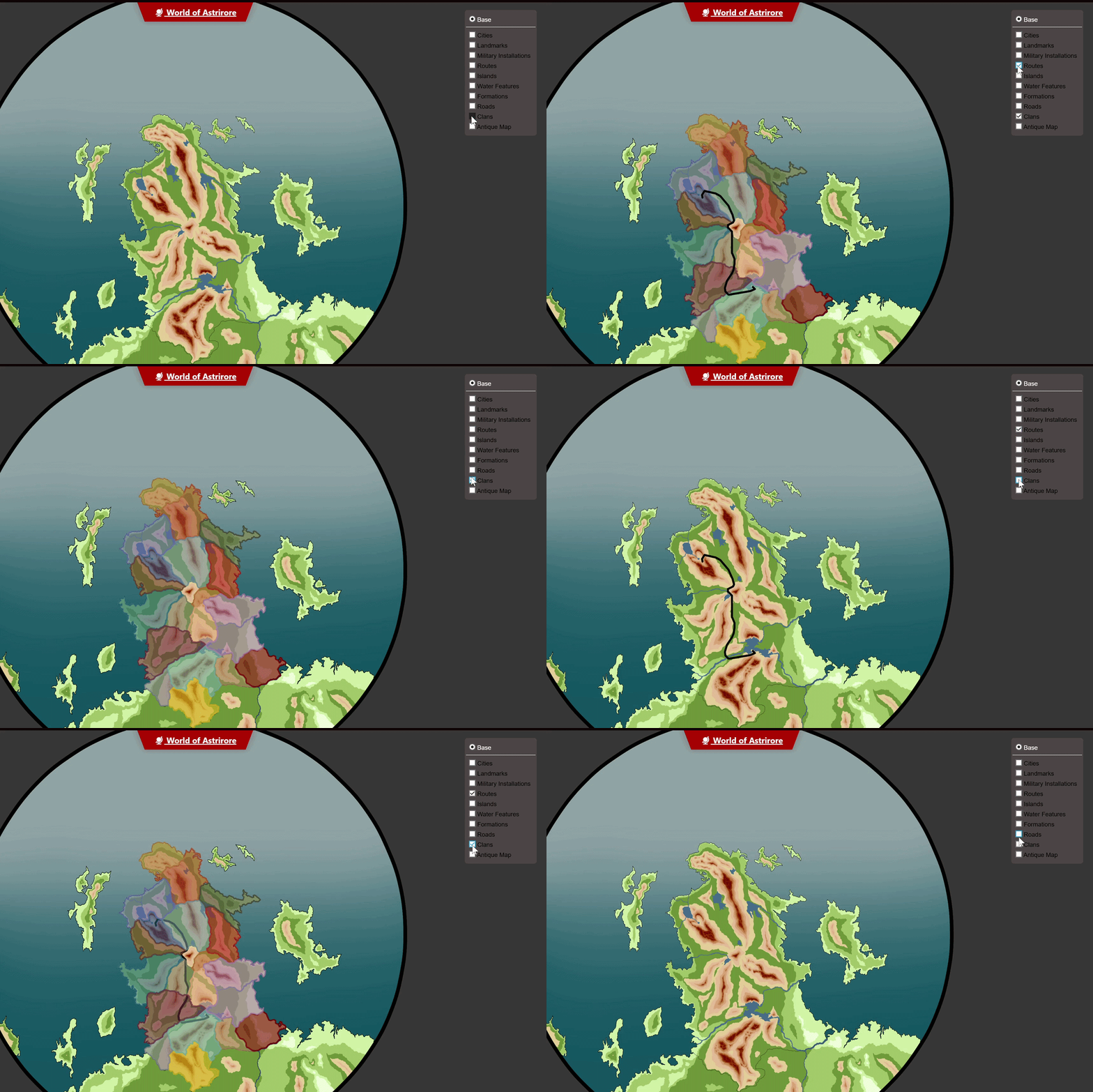
Steps to Reproduce
This is a decently complex issue. So I have a screen recording of what's going on. I made Gifs to showcase the main issues above, but will happily provide the entire screen recording upon request.
Things to keep in mind when watching.
1. We have tried having the weights of the Marker Groups and Layers match
2. We have tried having the weights of the Marker Groups and Layers ordered in a way where the layer should render first before any Pins in the Marker Group.
3. We have tried removing weights entirely.
4. The behavior is the same between the Editor and "View in World".
5. During the recording the pertinent layers and groups are weighted as follows (Though changing the weights didn't change the outcome so it's a moot point) Layers: Antique Map (1), Clans (8), Road Map (5). Groups: Antique Map (2), Clans (6), Roads (9), Routes (50).
6. Behavior is the same between Firefox, Chrome, Opera, and even Edge.
The order Map Layers in a Marker Group Render is entirely a consistent but seemingly random order that is not taking weighting of either the Map Layer or Marker Group into account.
Operating System
WindowsBrowser
FirefoxRelated Entity
Map Layers and Map GroupsError discovered when working on This Map
History
Find your way!
Resources
WHO WE ARE
LEGAL
Listen to our Podcast



