Sidebar within articles missing information.
Sidebar within articles missing information.
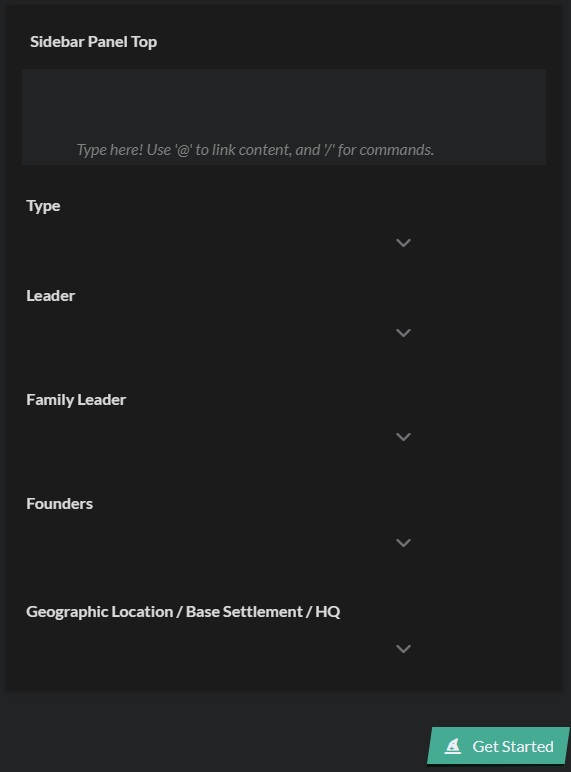
When creating a new article, for example an organization, I have all relevant information on the sidebar. IE. Type, leader, family leader, founders, geographic location etc...
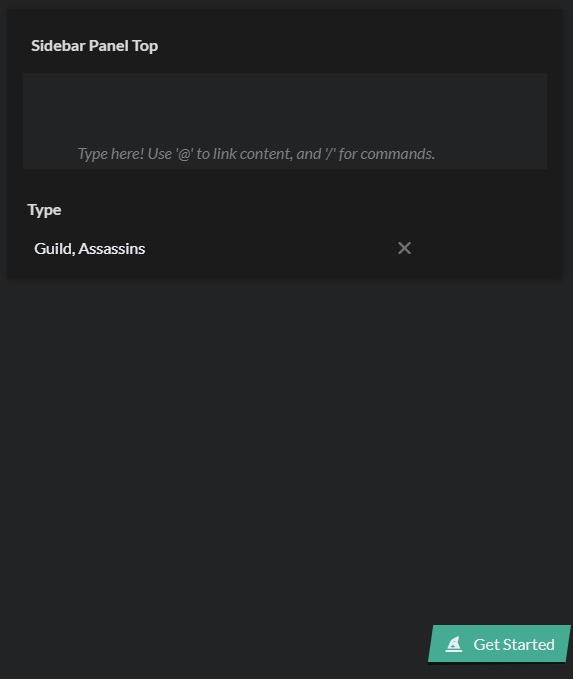
After filling in the type of organization, in this example an assassins guild and then going on to work on other parts of the article without filling in leader, family leader and so on everything seems to disappear. I can still see and change the type of organization with the drop down, but the other heading are gone.
This is happening with all my articles. If I don't fill in the sidebar from the get go everything will disappear.
The sidebar for my assassins guild that I've been working on under the organization article.
The sidebar of a normal organization article.
I've tried clearing my cache, restarting my browser and computer, using a different browser.
Steps to Reproduce
- Create new article
- Add in a available information to sidebar
- Leave article
- Return to article
Operating System
WindowsBrowser
Google ChromeRelated Entity
Article sidebars
History
Hey, if I'm understanding the issue you're facing correctly, the fields have not disappeared - you can still find them and add them to your article by clicking the "+ Prompts" button on the center bottom of the screen. The ones you see when you first create a new article are a small selection to help you get started, but opening the full list of prompts will provide you will all that can be added to your article, but they will be hidden if you don't fill them so they don't take extra space.
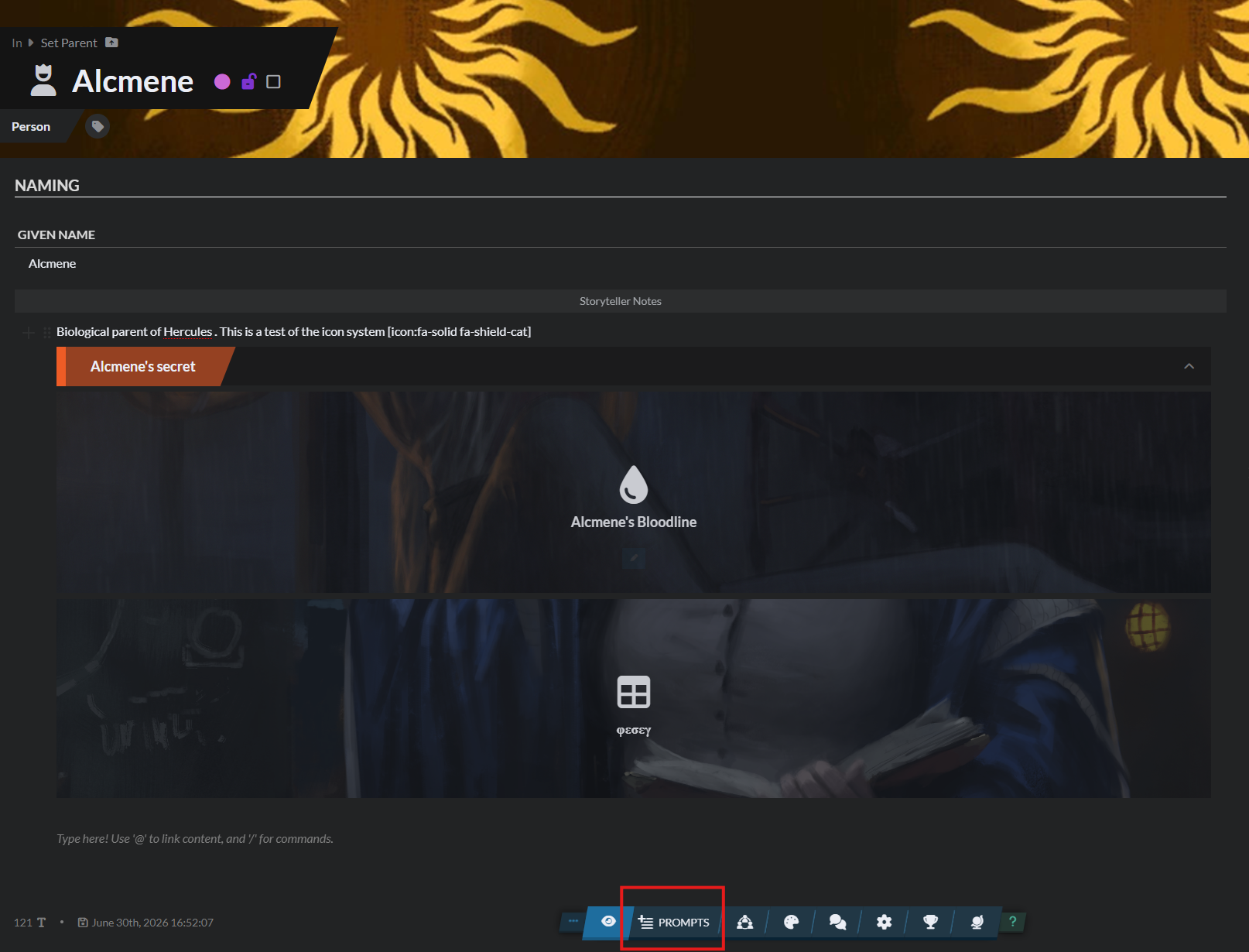
Let me know if this solves your issue or any extra details you can provide if not!
Yes! That's perfect. Strange that they sort of just disappear like that but the prompts are definitely what I'm looking for. Thank you!
Find your way!
Resources
WHO WE ARE
LEGAL
Listen to our Podcast



