Articles & categories not opening when using a trackpad
Articles & categories not opening when using a trackpad
After the new UI update, I've found it hard to use the Articles & World Manager with my laptop trackpad. When I want to open an article, the clicks don't register. I've tried double-tapping, hard clicking, and pressing and holding the articles, but nothing works. It is the same with categories. The only thing that works is pressing the arrow at the side to expand the categories. I also found that clicking on articles or categories removes the other buttons on the side. Before clicking:
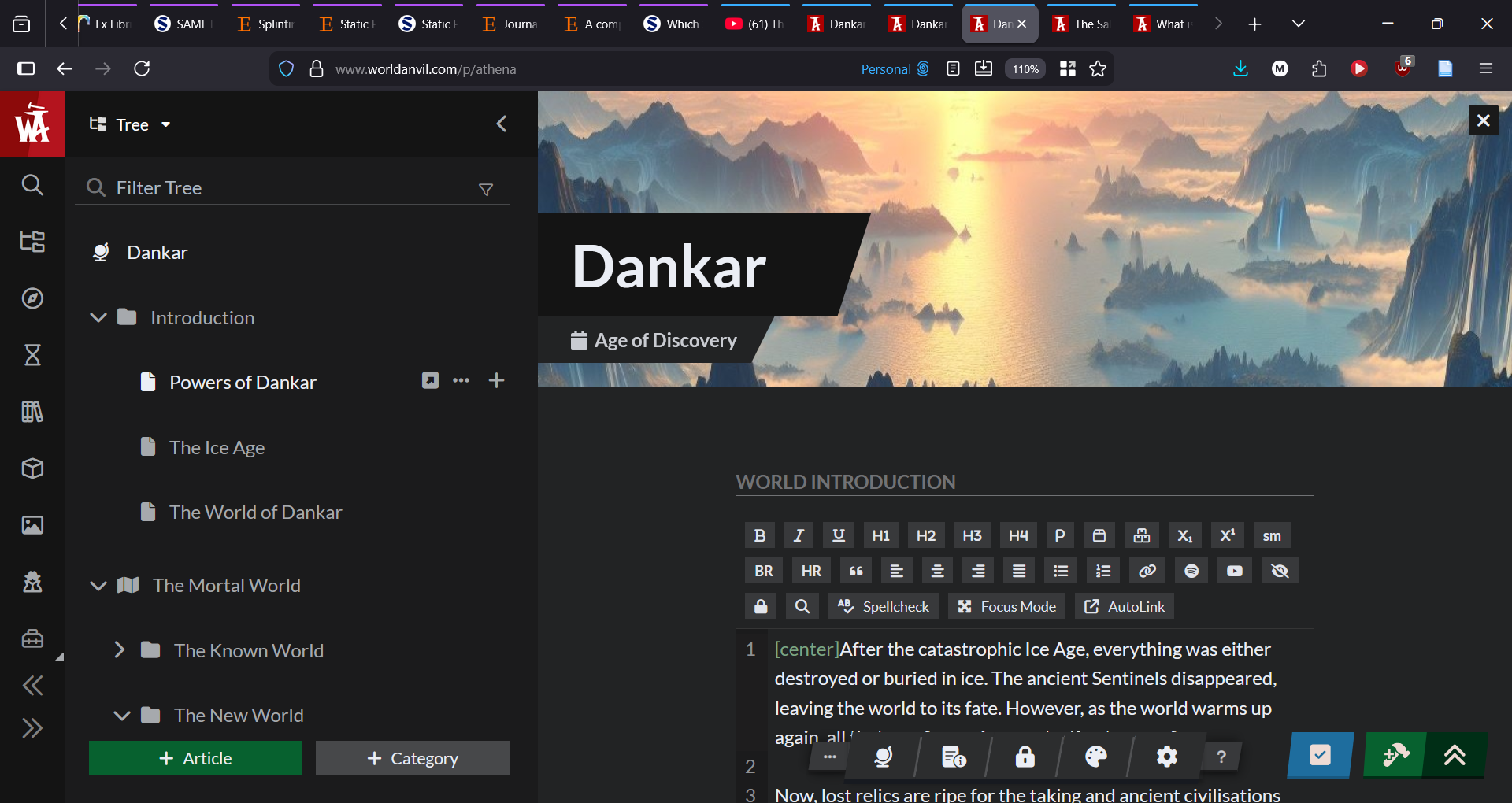
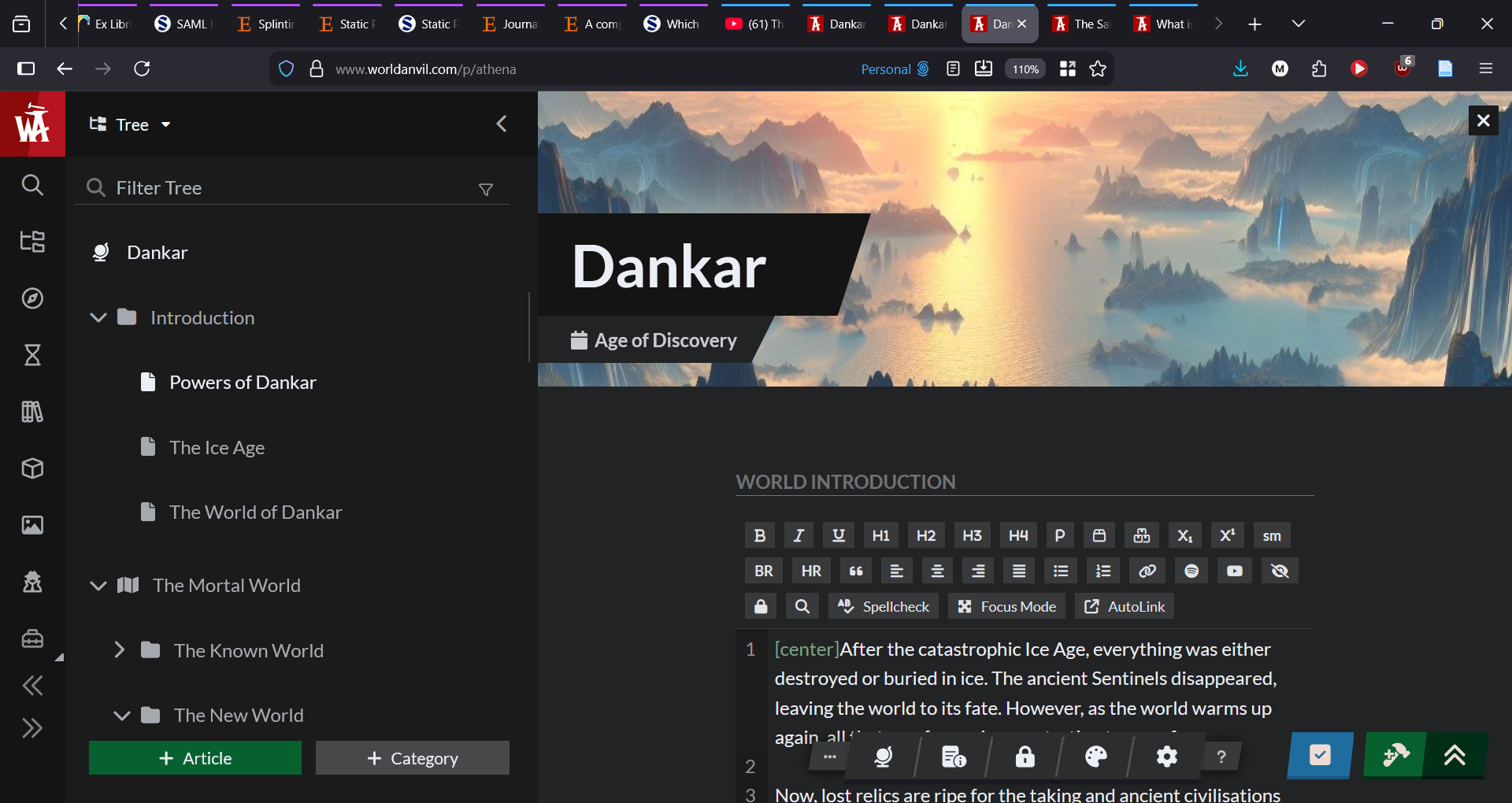
Steps to Reproduce
Open World Anvil website Go to Articles & Categories icon on the side Click on a category or an article with a laptop trackpad
Operating System
WindowsBrowser
FirefoxRelated Entity
Navigation bar in Articles & Categories ManagerHistory
Same for me. I'm using Chrome/Windows.
Works just fine on my desktop, but when I open WA on my laptop for use during a game session, I am not able to click on articles or navigate using the tree at all.
I have noticed that when moving around the mouse and hovering over articles names, that the + sign and 6 dots beside text lines appears in the currently opened article behind the article list. It makes me think that for some reason WA thinks my cursor is navigating/clicking the currently viewed article, rather than the article tree.
Hello LittleRaider, and TotallyNotAWizard, thank you for your reports on the issues you're experiencing. Are you still experiencing this issue? I ask because I am not able to replicate this issue, and a lot of fixes have gone out since for Athena. What browser are you using LittleRaider? Thank you.
Hi, I can now click on the articles in the menu by double-clicking or hard-clicking on my trackpad. I can only click on categories by hard-clicking. I am using Firefox
Hi LittleRaider, thank you for the information. Can you try to click with a mouse?
I can double-click on articles and categories with the mouse to edit them. I can only expand the categories list by hard-clicking the arrow
Hey LittleRaider, you should see this bug fixed now. Let me know if you have any further trouble. Happy worldbuilding!
Find your way!
Resources
WHO WE ARE
LEGAL
Listen to our Podcast



