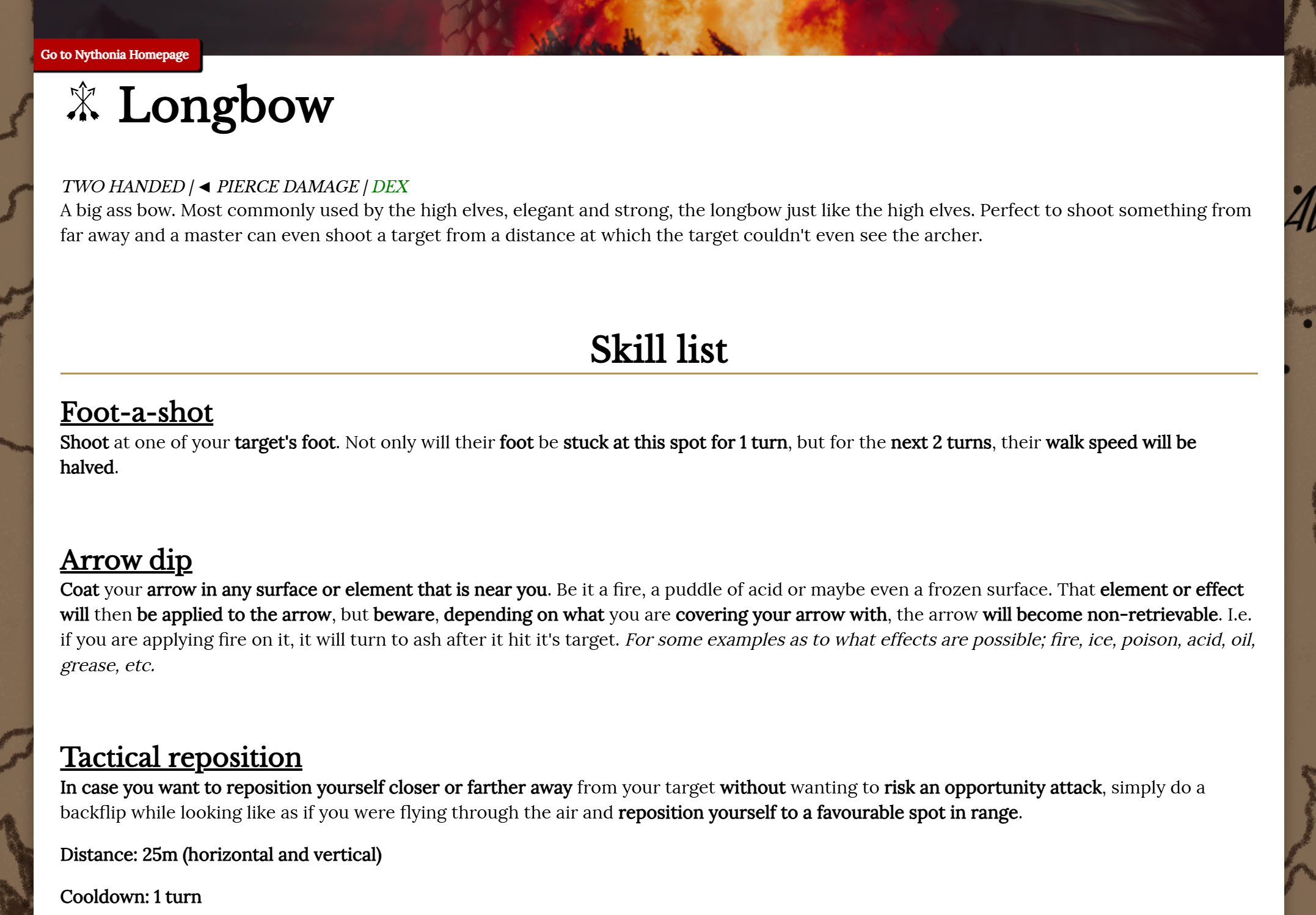
Document background/theme becomes white with "(something) bow" as a tag
Document background/theme becomes white with "(something) bow" as a tag
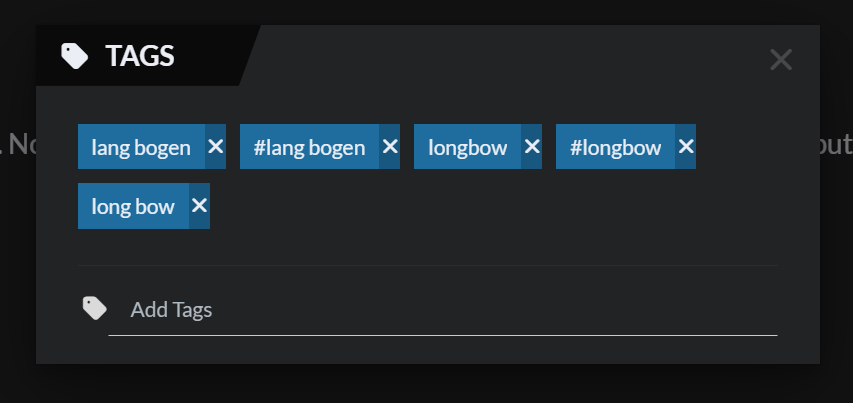
I tried various combinations and no matter which word i combine with " bow" ("spacing" then the word bow) the document's background becomes white.
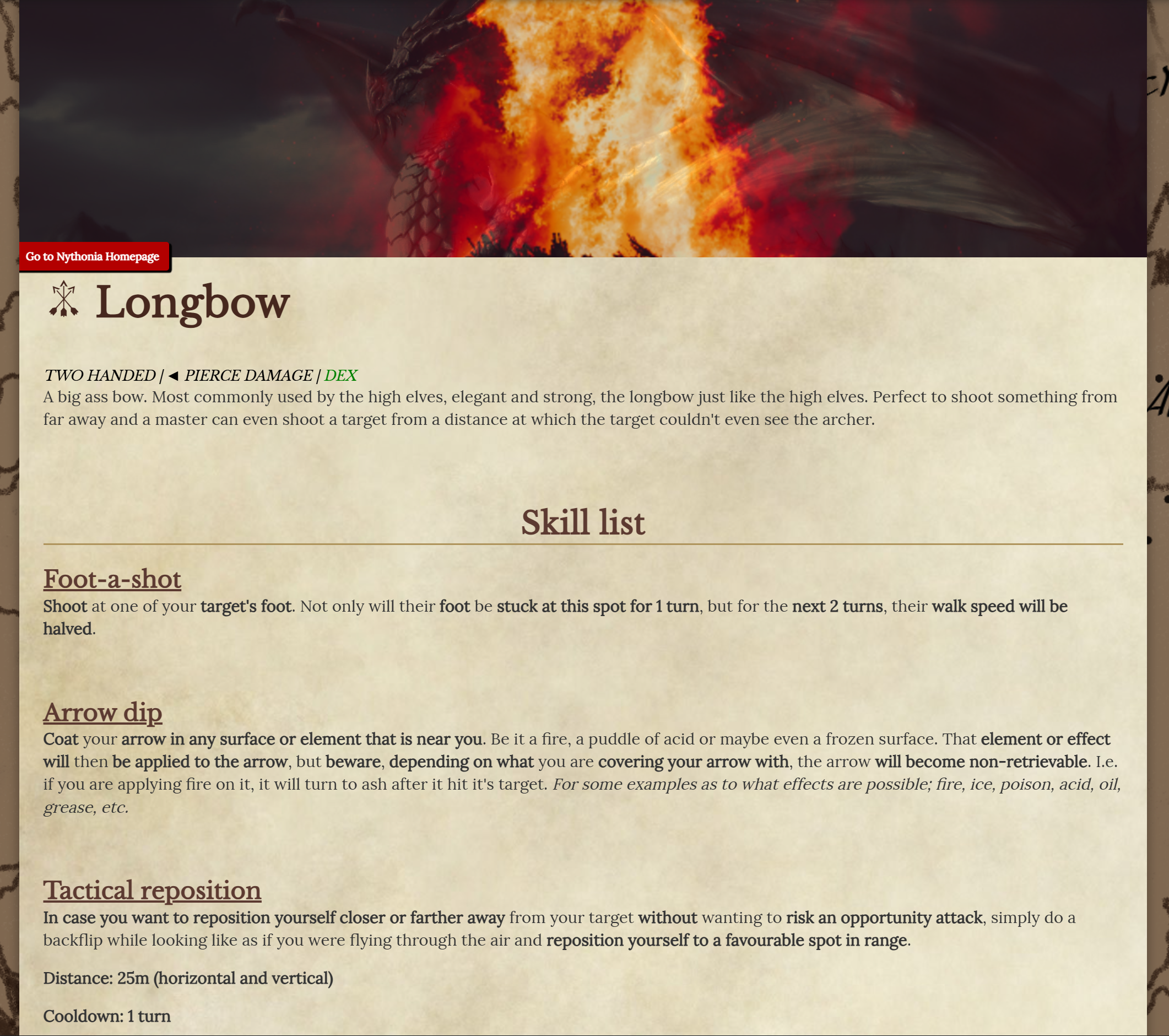
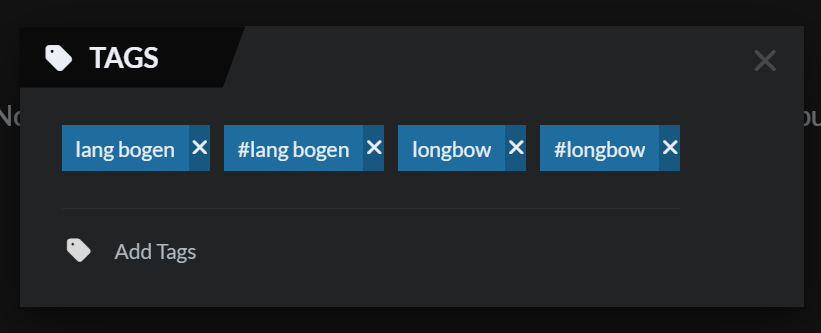
Steps to Reproduce
open a new article (tried only "document" for now), then add the tag i.e. "long bow" or any combination with " bow" (the spacing before the word "bow" is important in this case), then the documents background becomes blank/white. tried various other combinations with the same result; i.e. long bow, short bow, where bow, what bow, big bow, a bow, k bow, etc.
Operating System
WindowsBrowser
OperaRelated Entity
tag of a documentHistory
I can't find a way to edit my report to make it easier to read, so i'll just repost the text as a comment:
I tried various combinations and no matter which word i combine with " bow" ("spacing" then the word bow) the document's background becomes white.
Steps to Reproduce
open a new article (tried only "document" for now), then add the tag i.e. "long bow" or any combination with " bow" (the spacing before the word "bow" is important in this case), then the documents background becomes blank/white.tried various other combinations with the same result; i.e. long bow, short bow, where bow, what bow, big bow, a bow, k bow, etc.
just found out something even more funny. if you do the same thing but with bow reversed (wob) the same thing happens but in negative.
here i used "bow wob" as an example. tried it too with other things like; a wob, the wob, one wob, etc.
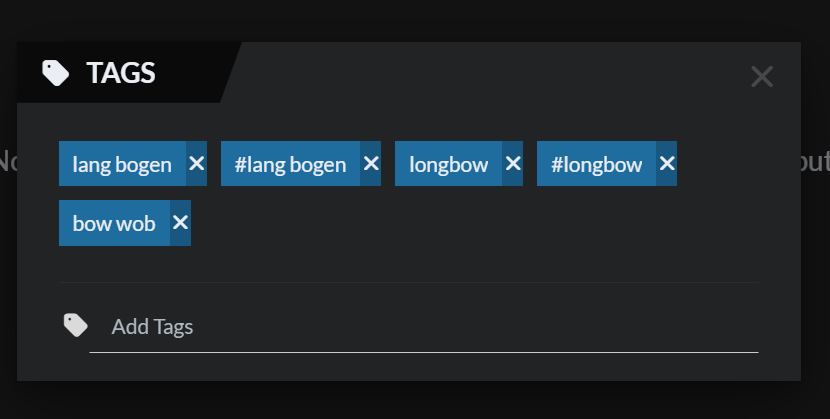
the result was a the exact opposite. just a black background with white text.
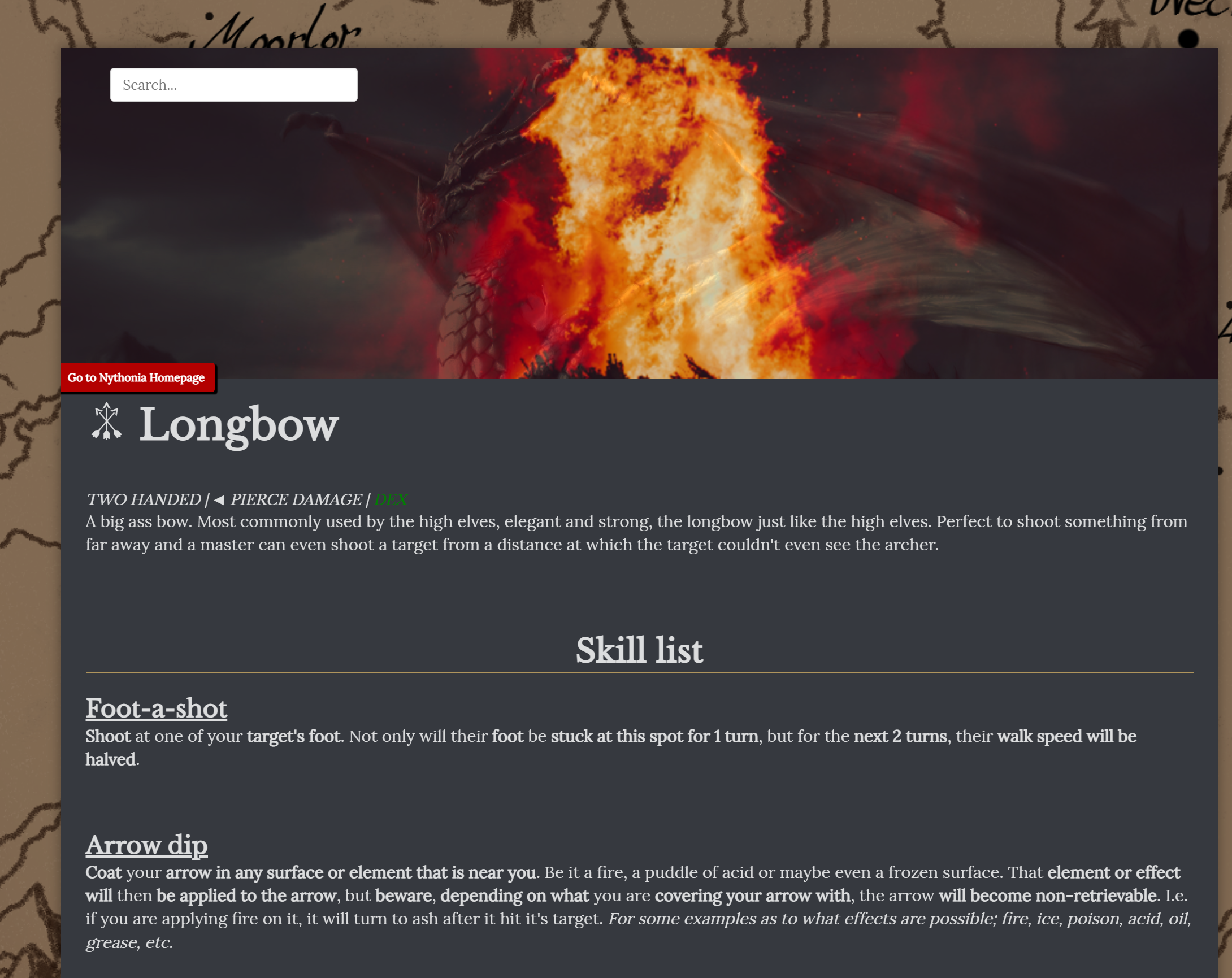
Hi, this is not a bug, since the bow and wob classes are meant to override CSS to make sure it's either white on black or black on white. To avoid this keep these two words connected to any other and you should be fine!
Find your way!
Resources
WHO WE ARE
LEGAL
Listen to our Podcast



