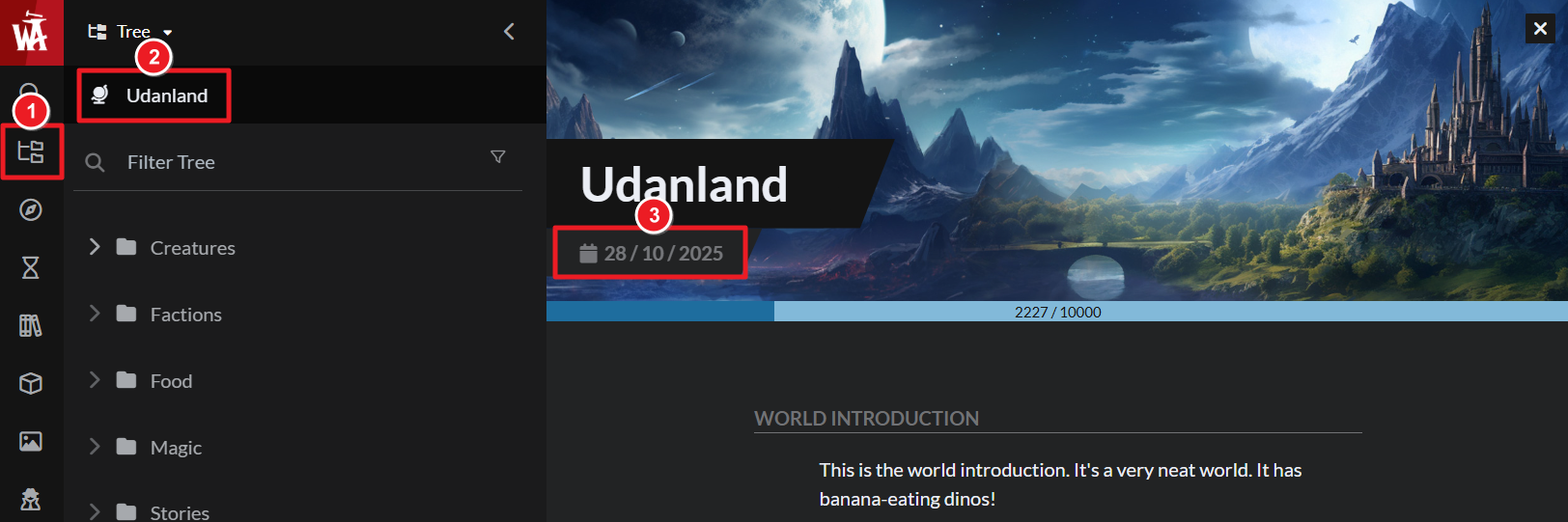
The global time setting is used by some features, such as the date of birth field in character articles and the eras in Chronicles. Here's how to change it:
- Open the Articles & World Manage from the left sidebar.
- Click on your world name at the top left.
- Under the world title, click on the date field.
- Then, open the "Global Era Settings" and change the settings there.