The world dashboard is the first thing you see when you access World Anvil or activate a different world. By default, it contains a few widgets, some with useful world editing tools, and others related to the community. But the widgets you see and their position is customizable! Here's how:
- Click the World Anvil logo at the top left to access the world dashboard.
- On the bottom left of the dashboard you'll see a small configuration button. Click it.
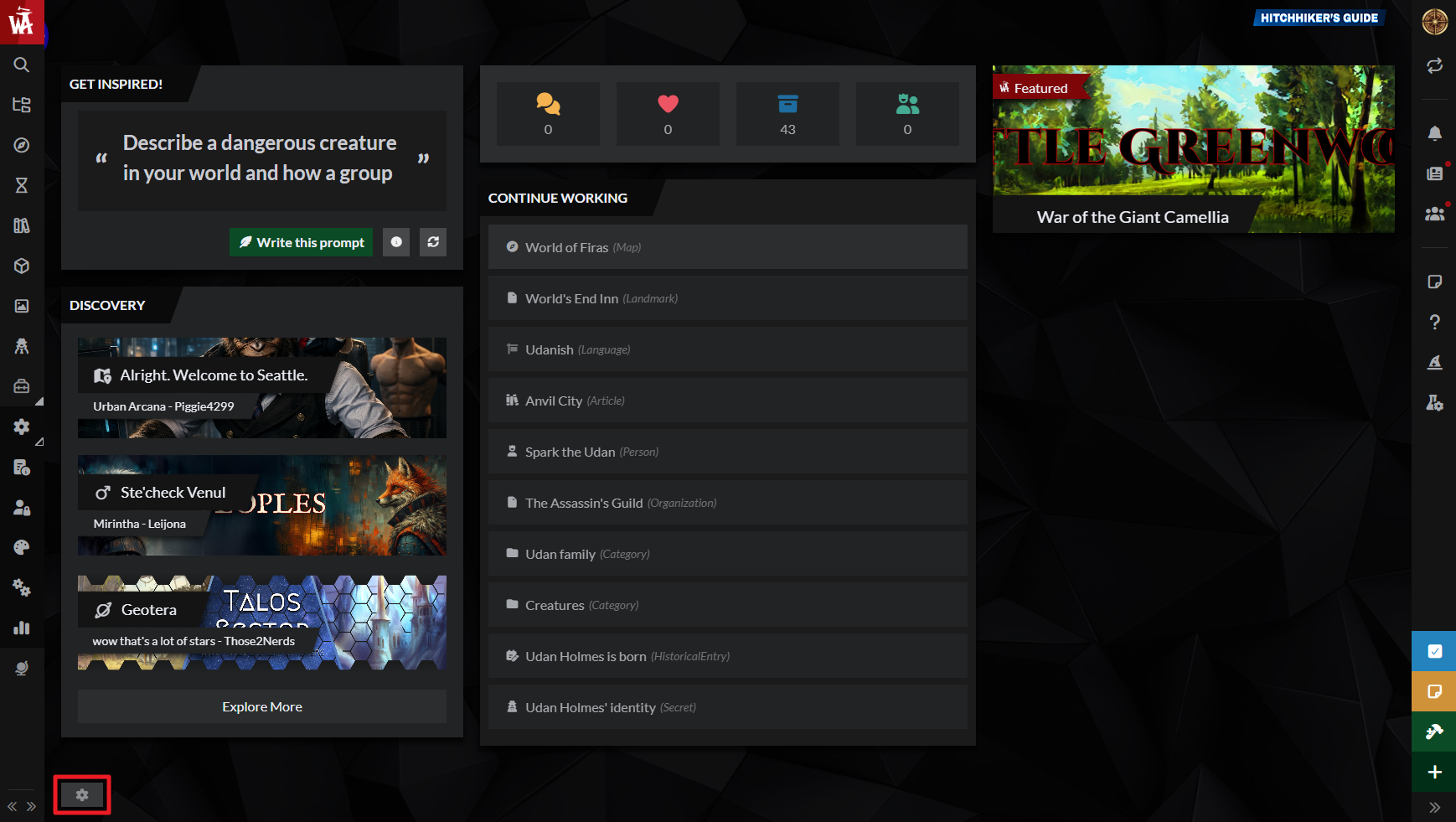
- In the settings modal, you can enable or disable the various widgets that are available.
In this configuration modal you can also set a background image for the dashboard. In the configuration modal you can also change the widget position by dragging and dropping each widget higher or lower in the list by the drag handle.



