You can use category pages to organize your world's articles: think of categories as folders. With automatic sorting, you can set how you would like a category's articles to be ordered. Here's how!
- Edit a category that contains a few articles.
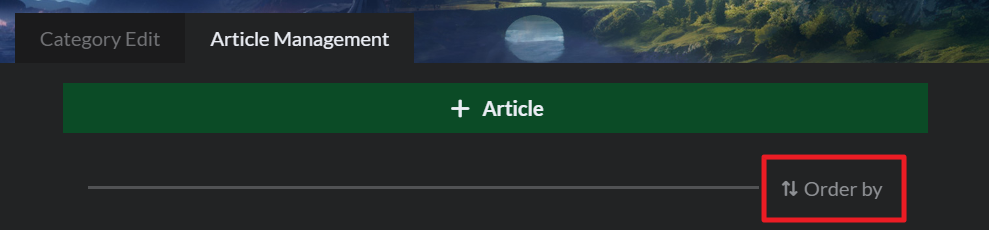
- At the top, click the Article Management tab and then click the Order by button on the right:
- Select which mode you want to use to order articles. It will be applied as soon as you select it, and future articles you add to the category will also be ordered accordingly.
You can order articles alphabetically, by creation date, and by last update date; if after setting one of these orders to manually re-order an article, the order will switch back to Manual. This order will be reflected in both the edit interface and the view mode of your world.
For more information and help with categories, check the guide to categories.



