To speed up article creation, you can create new articles without ever touching your mouse—all with keyboard shortcuts!
- Press Alt+N on your keyboard (or Control+N on a Mac) to bring up the article template selector.
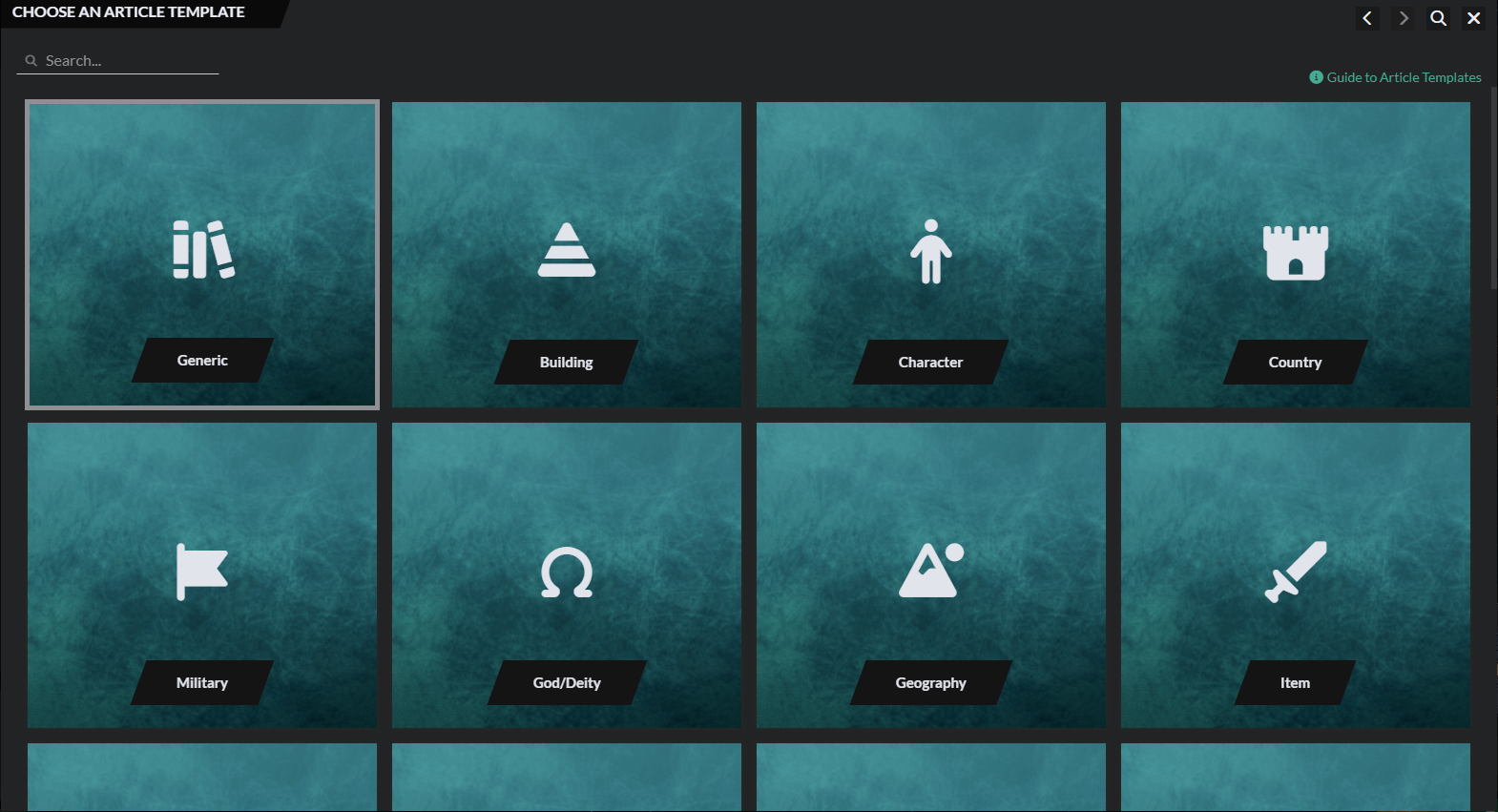
- Start typing the template name or use your arrow keys to select the template you want.
- Press enter to create an article of the selected type!
Another very useful shortcut is Ctrl+K to bring up the world search!



